
Changelog
Get the latest feature updates in Truv
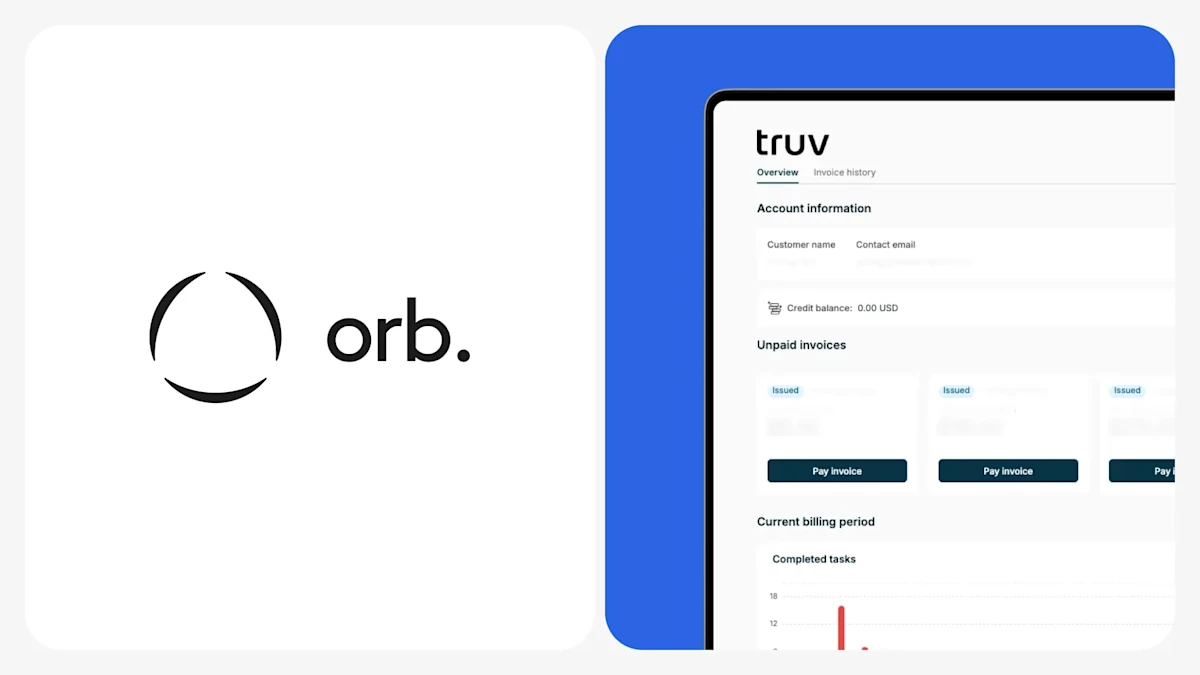
- Switch Billing to Orb: To better support Truv’s billing plans and create more accurate invoices that align with usage, we have migrated to tracking billable usage and issuing invoices through a 3rd party platform, Orb. Client billing contacts should begin to receive monthly invoices from Orb instead of Stripe and users with access to the ‘Billing’ tab (Truv Dashboard → Settings → Billing) should begin to be redirected to their Orb Customer Portal instead of Stripe. In the Orb Customer Portal, users have access to the following data, which aligns with the monthly usage data downloadable in Truv Dashboard → Home → Usage
- Showing all attempts in Users tab (beta release): For embedded clients that complete transactions from point-of-sale platforms, we previously only showed successfully connected accounts in the Truv Dashboard → Activity → Users tab. For clients that wanted to take alternative actions for unsuccessful attempts, there was no way for them to find these Users. To solve this problem, we have added the ability to view both successful connections and attempts in the Users tab. This feature is in beta release for select clients that have requested access to all data, and will be rolled out broadly for all clients mid January. If you want access to the Beta release, please reach out to Customer Success Manager or support@truv.com.
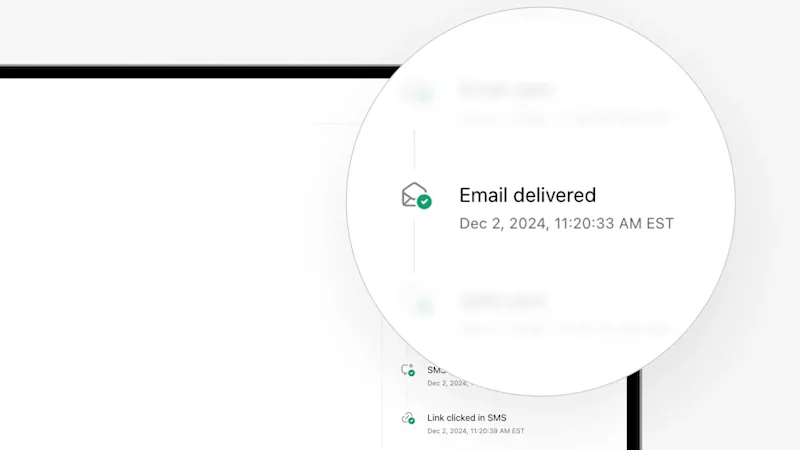
- Fix incorrect ‘Email viewed’ Timeline event: The Truv Dashboard Timeline for Orders (Truv Dashboard → Orders → Order information) previously labeled the ‘Email Delivered’ event as ‘Email Opened’. This event happens a few seconds after ‘Email Sent’ event, which incorrectly created the impression that end-users had opened and viewed the order email right after it was sent. We have fixed this for new and previous orders so the event will be correctly labeled as ‘Email Delivered’ in the Truv Dashboard. This issue did not impact Encompass since there was no corresponding event in the Encompass order Timeline
- Dashboard bug fixes:
- Fixed a rare issue where new orders would show up as created 1 day in the future. Now all orders should show up in the correct date based on the users timezone.
- Fixed a small inconsistency between the default order SMS text that was shown in Dashboard → Templates compared to what was actually sent. These are now aligned.
- Fixed a display issue in the Dashboard → Reporting → Created Orders / Conversion Rate graph, where dates outside the filter dates were displayed. Now graph displayed dates should match filtered dates explicitly.
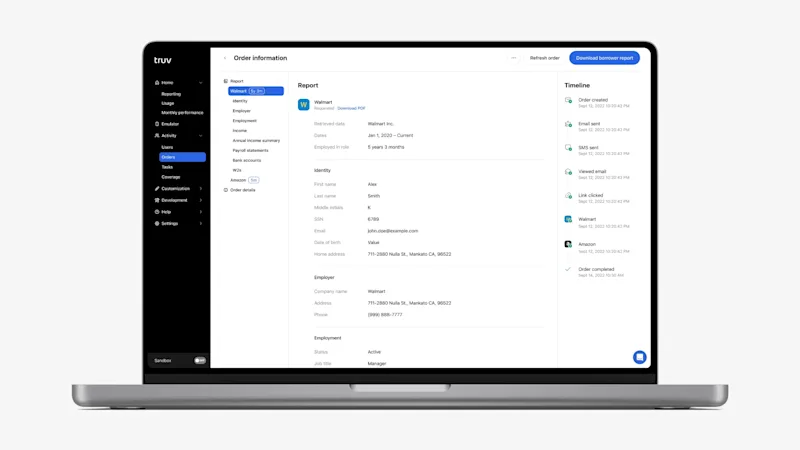
- UI Design system change fully rolled out in Truv Dashboard: As a follow-up to the work completed earlier in November, we have finished rolling out the standardized design system in the Truv Dashboard. As a reminder, this will create a standardized User Interface and reduce variation that can cause confusion for users. Since the last release, there has been standardization of the following components across the Dashboard: tables, pages, menus, headers, indicators, no results states, accordions, key numbers, informational tables, company lists and code blocks.