
Changelog
Get the latest feature updates in Truv
- Truv Support Migration to HubSpot: Live
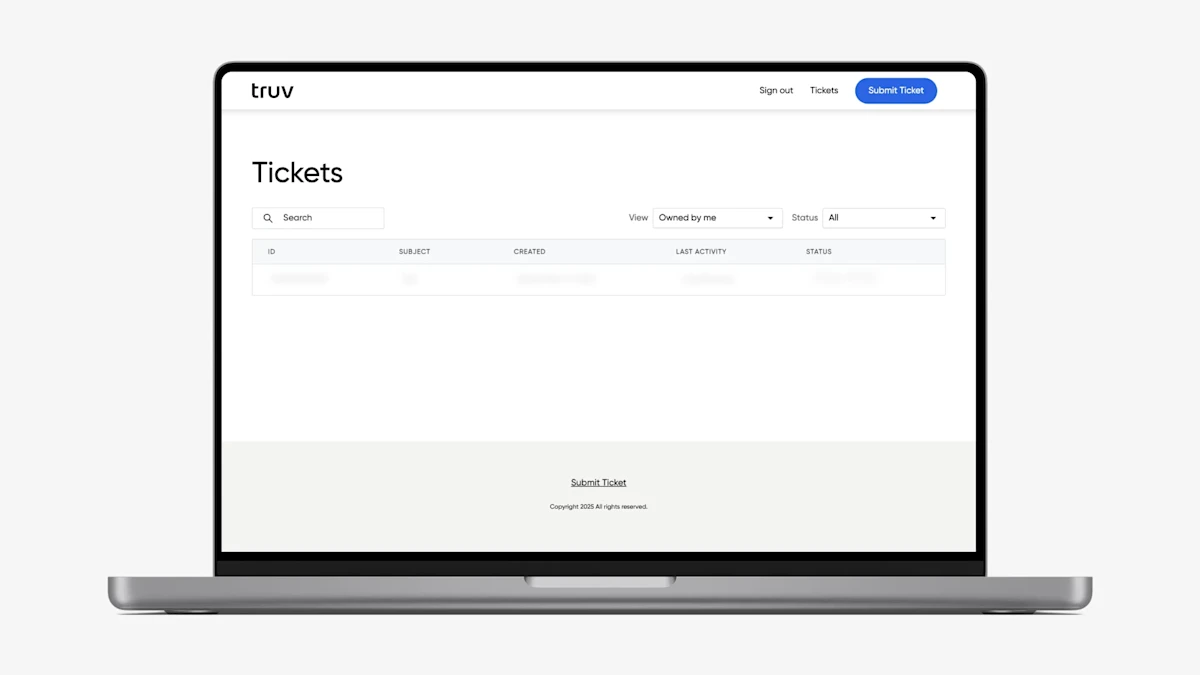
- We have officially completed the migration of Truv’s support experience to Hubspot. All clients can now access the new HubSpot Customer Portal via the Help → Support tab in the Truv Dashboard to submit and track tickets. We will continue to provide read and reply access to previous support tickets created in Zendesk via the tooltip in the Truv Dashboard → Support tab until the end of the month.
- In addition to the new Customer Portal, all users should now have access to our new AI-powered chat in the bottom-right corner of the Dashboard. This offers instant help to user questions, provides easy access to Help Center content, and connects users to our Support team if no resolution is achieved.
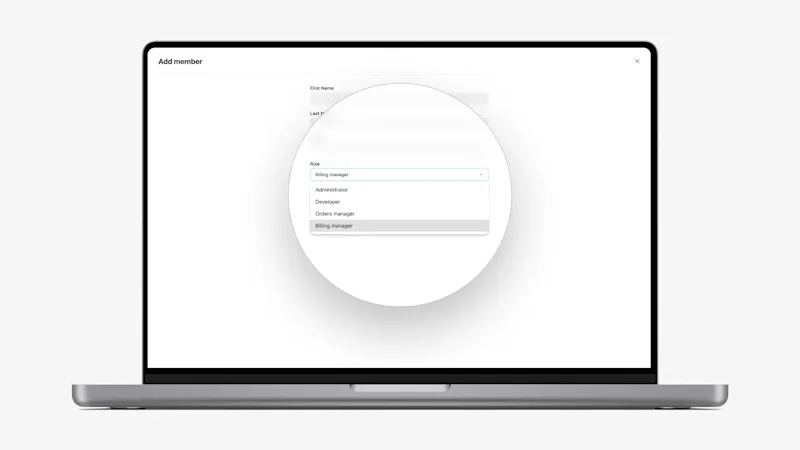
- New Billing Manager Role for Dashboard Access: Some clients have with team members that need access to billing and invoicing, but not verification data or order functionality. To support this need, we’ve introduced a new Billing Manager role. This role can be assigned to newly invited or existing users by Owner or Admins via the Dashboard → Team page. The new role provides access to the following pages: Reporting, Usage, Coverage, Support, Docs, Company, Billing, and Profile.
- Add Truv template name to Usage CSV file: To support clients who have the branch name specified in the template and need to accurately track and bill back this usage to the branch, we have added the Template name to the Usage CSV file, downloadable in Home → Usage by Owner, Admins, and Billing Managers. Now large lenders can easily determine how much Truv was used and the associated cost at the branch-level via this field name.
- Remove the ‘Created by’ column in Templates: We removed the ‘Created by’ column in Templates since it wasn’t supported for template creation via API and didn’t add much value from a Template management perspective.
Dashboard bug fixes
- Remove connections in different environments from the Users tab: Previously the ‘Users with attempts’ filter included users with tasks from any Truv environment. We have fixed this to ensure only users with tasks in the current environment are included.