
Changelog
Get the latest feature updates in Truv
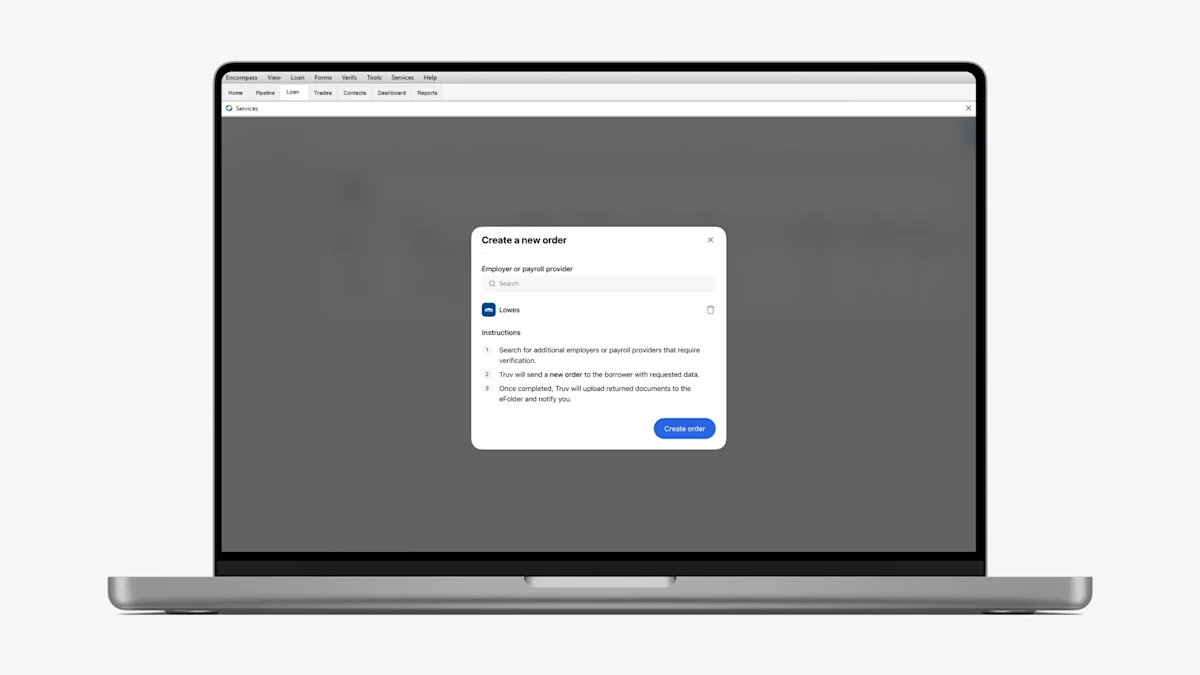
- Allow creating new open order: To address use cases where clients cannot capture all VOIE data due to the employer changing payroll providers while the borrower was employed, we have introduced the ability to create an open order in Encompass.
- In ‘Order statuses’ tab, for any orders where all employers are in a terminal status, there is now an action to ‘Add income source’.
- This opens a pop-up where the user can select up to 5 additional employers or payroll providers that require verification.
- Once the pop-up is submitted, a new order will be created and sent to that borrower with the requested employers or payroll providers, which will function the same as any other Encompass order.
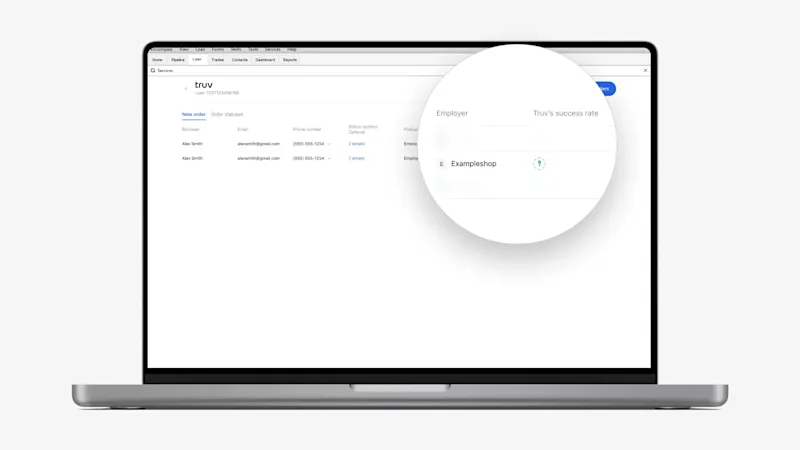
- Show ‘Not found’ success rate indicator in Encompass: Previously, unmapped companies were labeled with a ‘High’ coverage indicator, causing client confusion as they couldn’t distinguish between genuinely ’High’ coverage and unknown companies mislabeled as ’High’. In addition to updating this in the Truv Dashboard, we have also extended this to Encompass. If a company is added to Encompass that doesn’t exist in the Truv database, we will show a new indicator with a
Company is not found in the databasetooltip. - Product name updates: We have updated product names across various locations in Encompass to correctly align with how they are billed by ICE. The new names have been applied in the following locations: New Order tab, Order Status tab, Re-verify data popup, Automated Option setup page and Report names. Naming convention changes:
Income and Employment→Verification of IncomeEmployment→Verification of EmploymentEmployment and Most Recent Paystub→VOE and Most Recent Paystub(for re-verification option)