

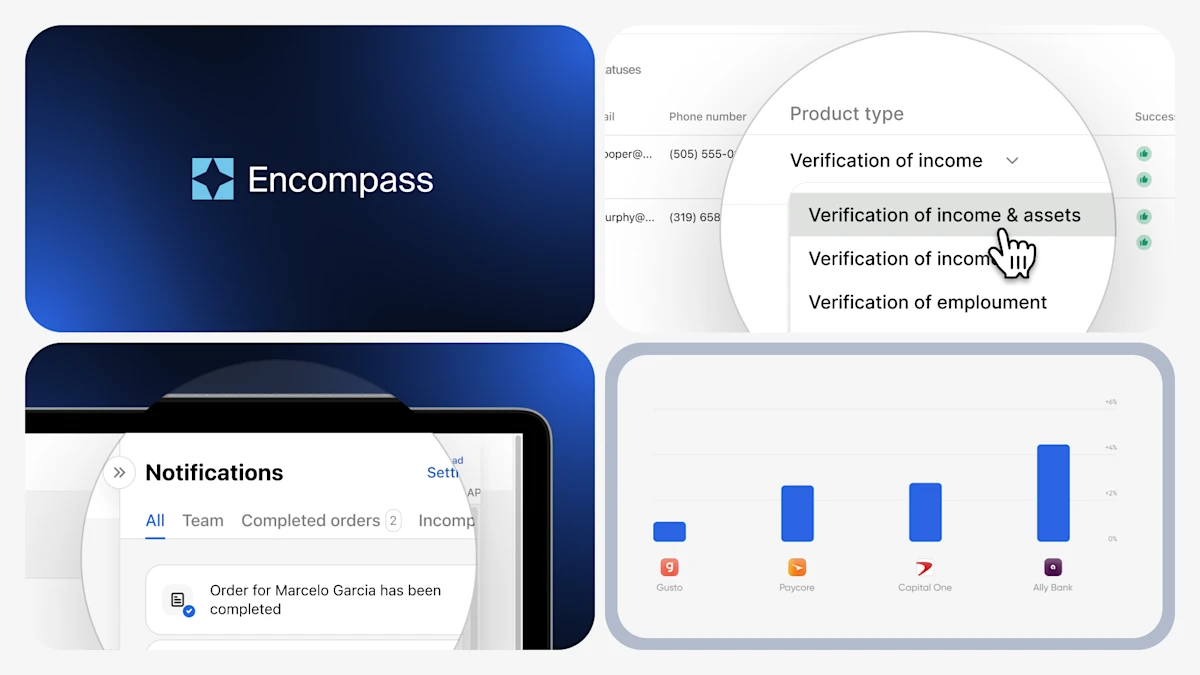
Truv's February release continues the momentum from January, with targeted enhancements across Encompass and Truv Dashboard aimed at streamlining workflows for your team and improving the end-user experience.
Truv Platform Updates
Encompass Improvements
Truv's latest Encompass improvements streamline the verification process through multi-product ordering, a redesigned order status view, and enhanced custom field mappings for order details.
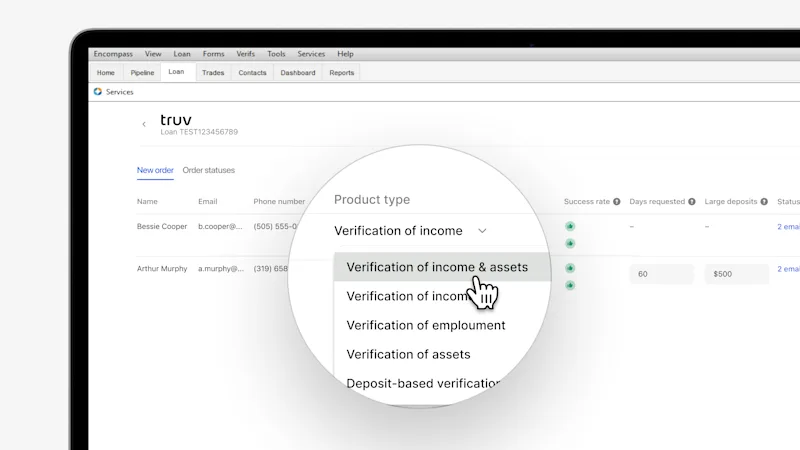
- Create Multi-Product Orders: With multi-product ordering, Verification of income and assets can be requested in a single order within Encompass. This makes creating and tracking verification easier for LOs, while reducing the number of requests and communications sent to borrowers. Select Verification of income and assets option from the Product type dropdown menu in the Orders page. For lenders with automated workflows, multi-product orders are also available via ASO.
- Enhanced Order Detail Custom Field Mappings: To support lenders who want to bring Truv order statuses into Encompass to enhance pipeline views or streamline workflows, Truv now supports writing the order details for each borrower and product type into custom fields.
Truv Dashboard Updates
Truv's latest Dashboard improvements give users greater visibility and control, with a consolidated notification feed featuring customizable preferences and an expanded Orders table filter that spans all platforms.
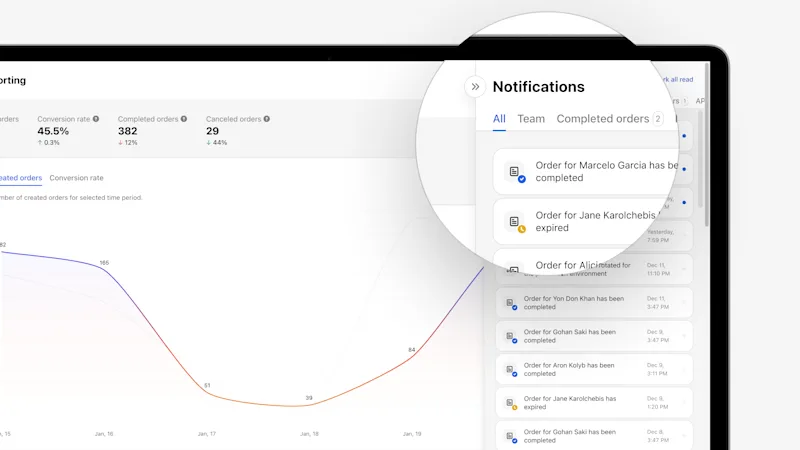
- Notification Feed and Preference Center: Truv now allows customers with access to the Dashboard to see all order, team members, and API notifications in a consolidated feed, removing the need to sift through email inbox to find Truv updates. Additionally, each user can customize their notification preferences per each notification category, unlocking powerful workflow optimization.
- Order Managers Table Filter: Previously limited to users with Truv Dashboard access, the Orders table filter now allows searching and filtering by any user who created an order across all platforms.
Truv Bridge & Orders Updates
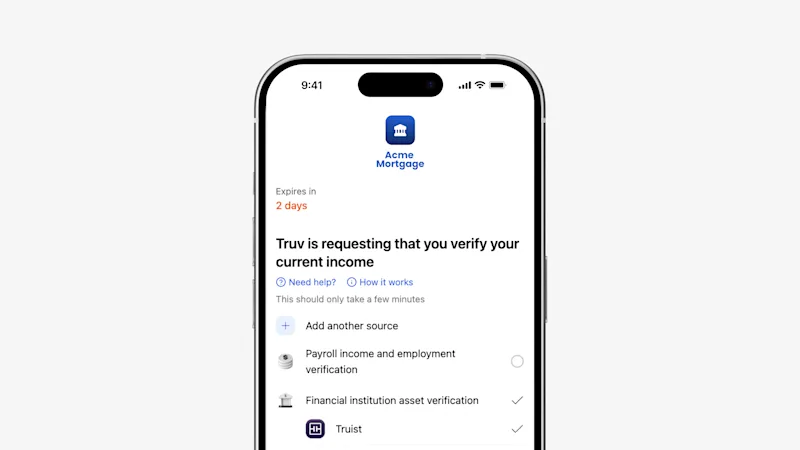
- Removed 'Required' Label for Connections in Orders Landing Page: Previously, incomplete connections displayed in the landing page had a "Required" label. To streamline the user experience for Truv clients that give end users the option to skip connections, end users no longer see "Required" for an account that is not connected.
Public Sector Updates
- Enhanced Expense Filtering: We've expanded expense filtering for public sector clients to allow filtering by accounts, sub-accounts, and transaction categories.
Conversion Improvements
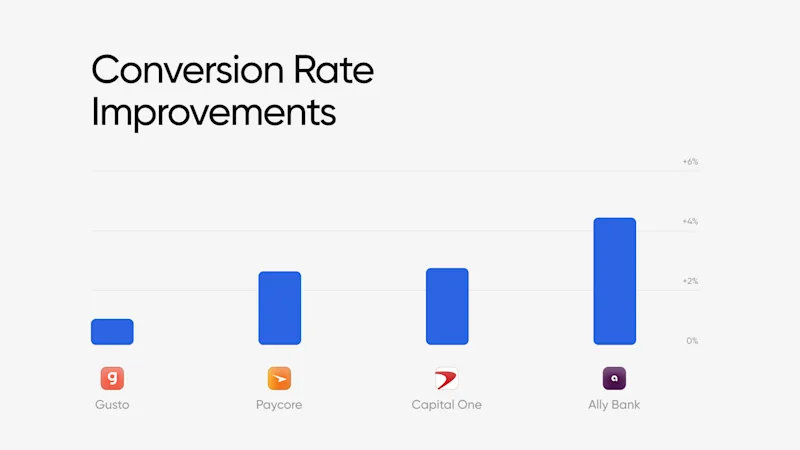
Behind every data connection is Truv's team of dedicated engineers actively monitoring performance, troubleshooting issues, and optimizing integrations to ensure smooth connections to payroll providers, employers, and financial institutions.
Verification of Income & Employment
| Company | Prior 30 days | Last 30 days | Improvement |
| Paycor | 78.24% | 80.89% | +2.65% |
| Gusto | 85.99% | 87.08% | +1.09% |
Verification of Assets
| Financial Institution | Prior 30 days | Last 30 days | Improvement |
| Ally Bank | 90.08% | 94.37% | +4.28% |
| Capital One | 87.64% | 90.43% | +2.79% |
Customer Spotlight
Before partnering with Truv, CMG was spending $1.1 million per month on a third-party verification provider that was costly, inflexible, and incompatible with their strategic goals. The rigid integration structure created redundant steps and manual workarounds, preventing CMG from executing a multi-channel lending strategy. By switching to Truv's modern VOIE solution, CMG achieved seamless system integration, greater configurability, and $800,000 in monthly savings — a 73% reduction in verification spend. Check out the case study.
Customers Come First
This February's updates are a direct reflection of the feedback our clients have shared with us. Your insights shape the way we build, and we're grateful for the collaborative partnership. We're excited for what's ahead this year — thank you for growing with us!


