

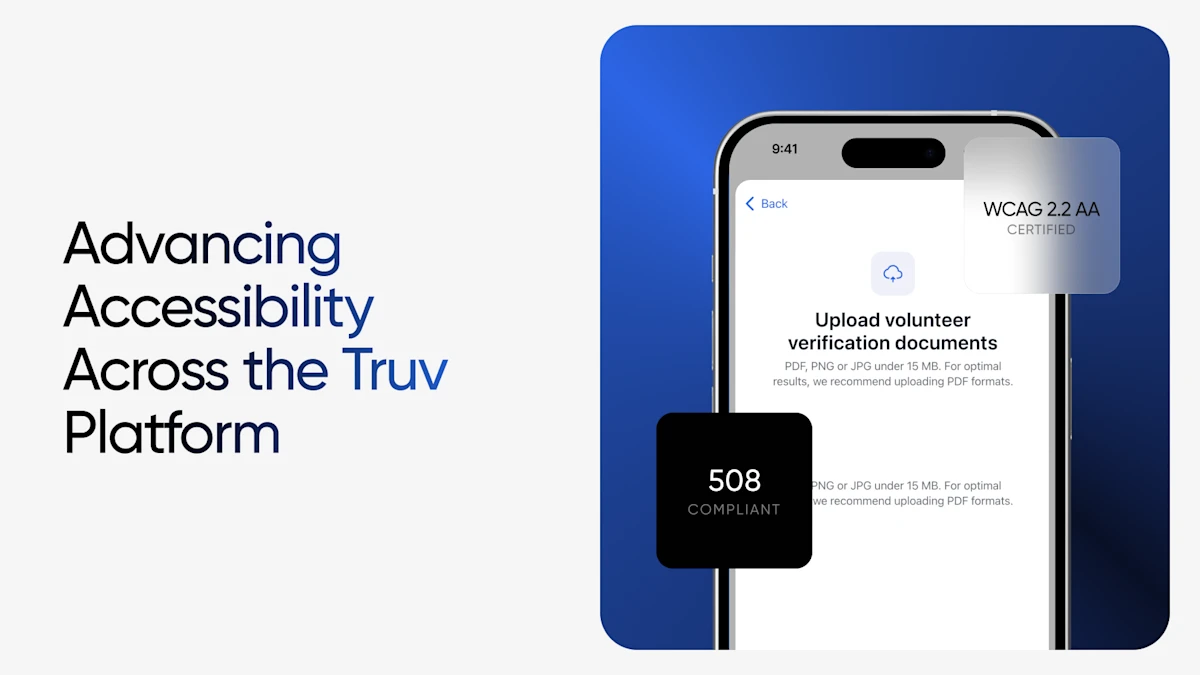
As more verification workflows move fully online to support digital experiences, Truv’s platform ensures clients verifying income sources with Truv for eligibility determination can complete the process regardless of how they interact with technology. That’s why we’ve released accessibility improvements across the Truv platform to better support users who rely on screen readers, keyboard navigation, and other assistive technologies.
Our recent enhancements focus primarily on Truv’s order landing page and Truv’s document upload experience.
Powering Easier, Faster — and Accessible Verifications
Screen Reader & Keyboard Navigation
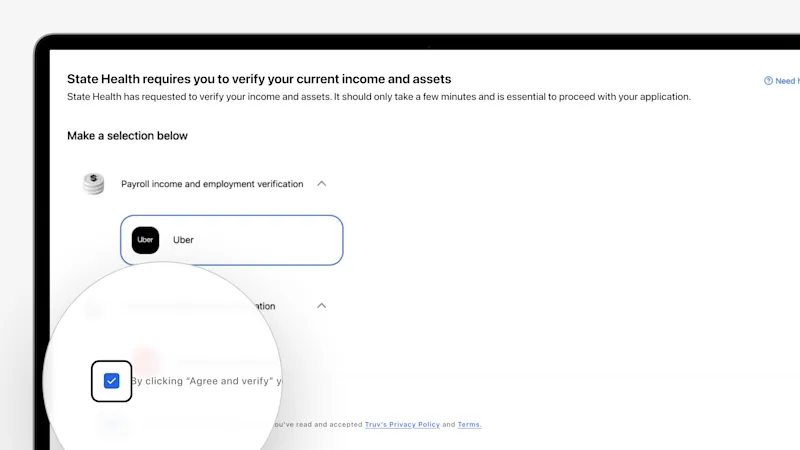
Clients can now move through the entire Truv verification experience using a keyboard and screen reader — no mouse required. VoiceOver and similar tools can read page elements aloud, announce the full content of selections, and guide clients forward and backward through each step. This ensures visually impaired clients receive the same clarity and flow as any other client.
- Activate VoiceOver to have the current screen element read aloud
- Press Enter to activate elements such as buttons and form inputs
- Use Control + Option + A to have the full content of a selected element read in its entirety
- And more!
In practice, this means a visually impaired client can move through the entire verification workflow — selecting their employer or payroll provider or financial institutions, reviewing and agreeing to terms, and submitting their information — without ever touching a mouse.
Voice Command Support
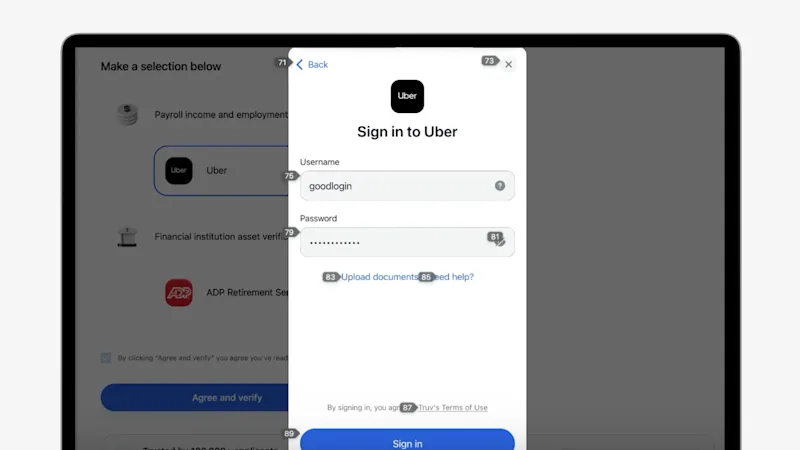
For clients who navigate hands-free, Truv now supports voice input through numbered overlay navigation. A simple voice command displays a unique number next to every actionable element on the page — clients can then speak a command to interact with any element directly. This removes the need for precise cursor control and opens the full verification workflow to clients with motor impairments.
- Invoke “Show Numbers” command for the interface to overlay a unique numeric label on every actionable element on the page.
- Speak commands like “Click 71” or “Click 74” are supported to interact with any element directly by number.
This approach removes the need for precise cursor control and opens up the full Truv workflow to clients navigating via voice recognition software.
Grid-Based Navigation
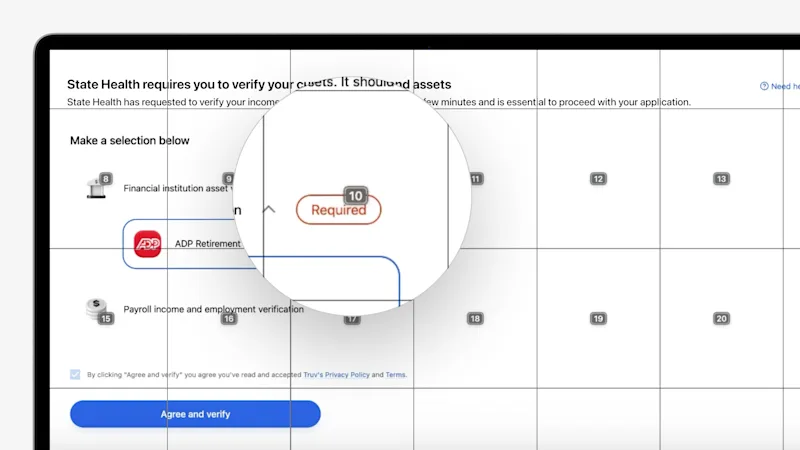
Truv also supports spatial grid navigation, an additional hands-free interaction method. Clients can call up an on-screen grid and reference any area of the page by its coordinate, giving assistive technology users a flexible, position-based way to move through the experience.
- “Show Grid” command divides the screen into a labeled spatial grid, allowing clients to reference and interact with any area of the page by calling out its grid coordinate.
For state agencies, this goes beyond compliance. The accessibility improvements translate to fewer process disruptions or drop-offs, higher conversion rates, and smoother processes that streamline eligibility determination by widening access to client-permissioned data.
Accessibility Is a Core Value, Not a Feature
Client-permissioned and consent-based verification of income sources is often a high-stakes moment for the people going through it — a benefits renewal or initial application for eligibility determination. That’s why we will continue to invest in accessibility testing, auditing, and improvement as our platform evolves.
If you have questions about Truv’s accessibility standards or want to learn more about our compliance roadmap, reach out to our team.


