
Changelog
Get the latest feature updates in Truv
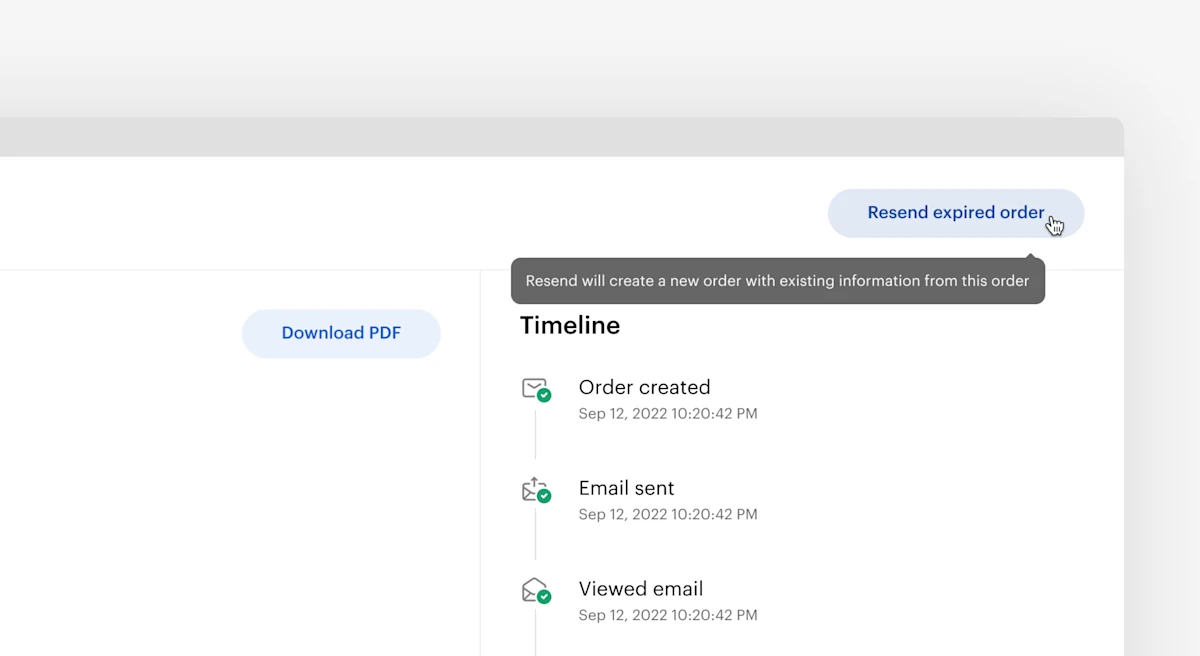
Truv has created a seamless way to resend previously expired Orders without having to start the order creation process from scratch. In the Truv Dashboard, users can click the envelope icon next to an expired Order. They can also click the Resend Order button after clicking into the Order details. When using the resend functionality, data from the previous Order including First Name, Last Name, Phone Number, and Email are automatically ported in. This helps create a more efficient workflow.