
Changelog
Get the latest feature updates in Truv
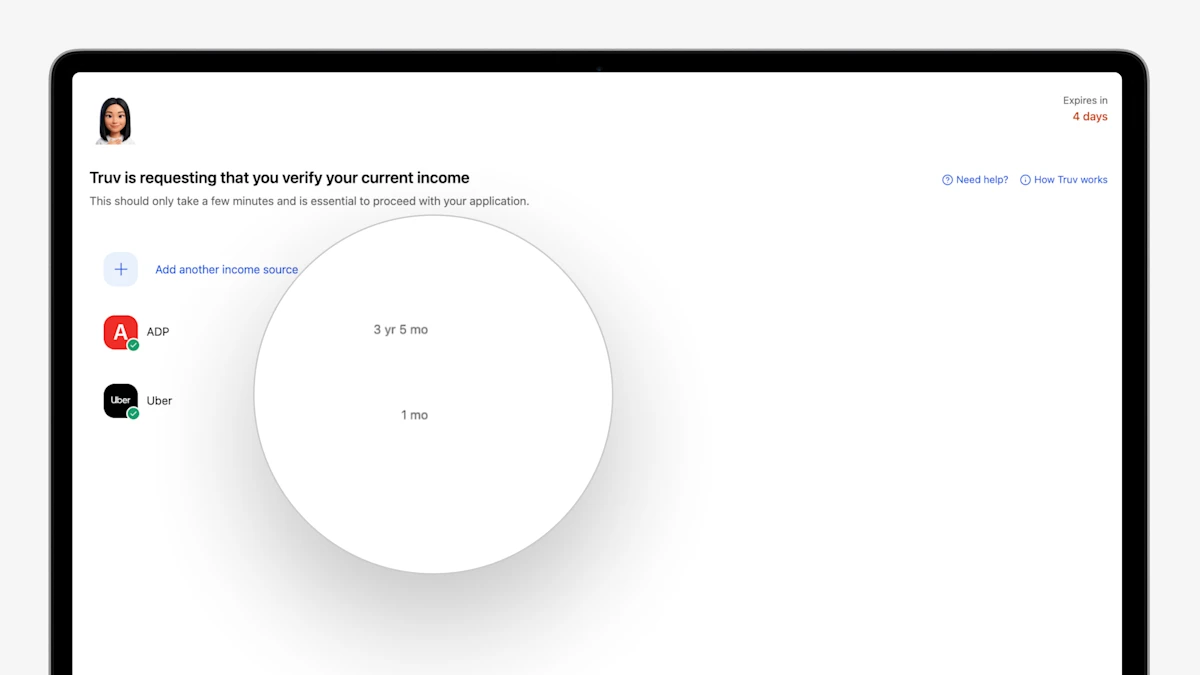
- Show Connected Employment Duration to End User: In the order landing page, when an end user connects to an employer or payroll provider, Truv now shows a summary of the employment history to the end user. Minimum requirements can be set in Truv Templates.
- Auto-Prompt Client to Connect Additional Required Data: In the order landing page, when an end user connects to an employer, provider, or financial institution, Truv now flags next steps to add additional sources if employment duration requirements were not met.
- Auto-Open Controls for Combination Products: For orders that have combination products, you can now select one product to auto-open for the end user, guiding the borrower and improving conversion.
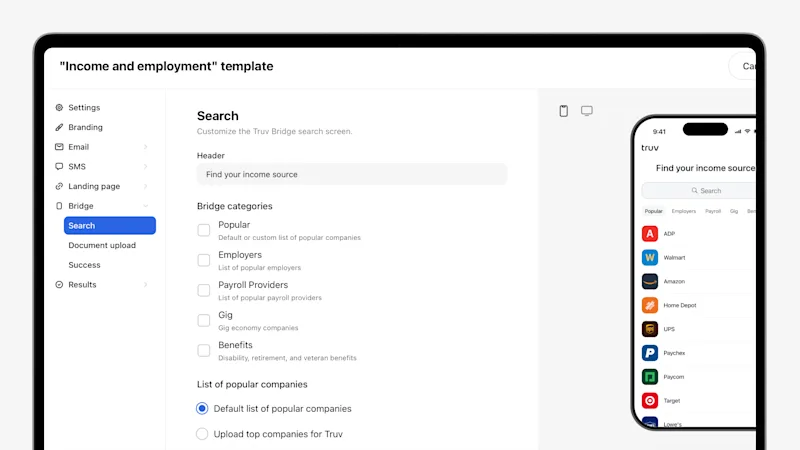
- Enhanced Truv Template Design: Truv Templates have been redesigned with a new layout, additional fields, expanded customization, and updated field grouping for all Truv customers. Setting up and managing templates for Truv clients is faster, more flexible, more intuitive, and easier to use.