
Changelog
Get the latest feature updates in Truv
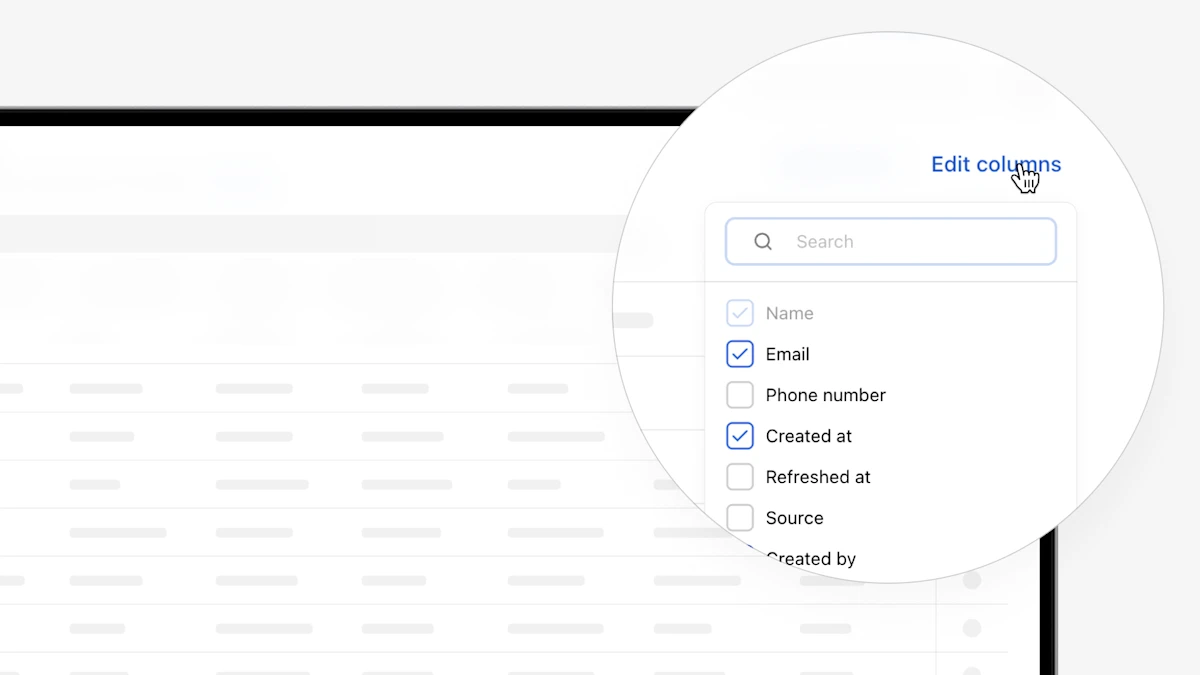
- Customizable columns in Dashboard Orders and Users tables: Clients can now customize columns in the Orders and Users tables by selecting which columns to display, resizing and reordering them, and exporting results to CSV. Settings are saved per user to maintain the preferred view.
- Hide large deposits section in templates for Verification of assets report: For clients that don’t want to see the large deposits section of the VOA report, we have added a toggle in Truv Dashboard Customization → Templates. If a template has Assets product type, there will be a ‘Large deposits’ toggle in the ‘Report’ section to control whether this section is included in the VOA report or not. If the section is disabled, the field will also be hidden from Dashboard and Encompass order pages.
- Added report type and account selection for Assets in Truv Dashboard: For lenders who use the VOA product in Truv Dashboard, we have added the ability to select report (VOA or DVOE), selected accounts, and days requested during refresh.