

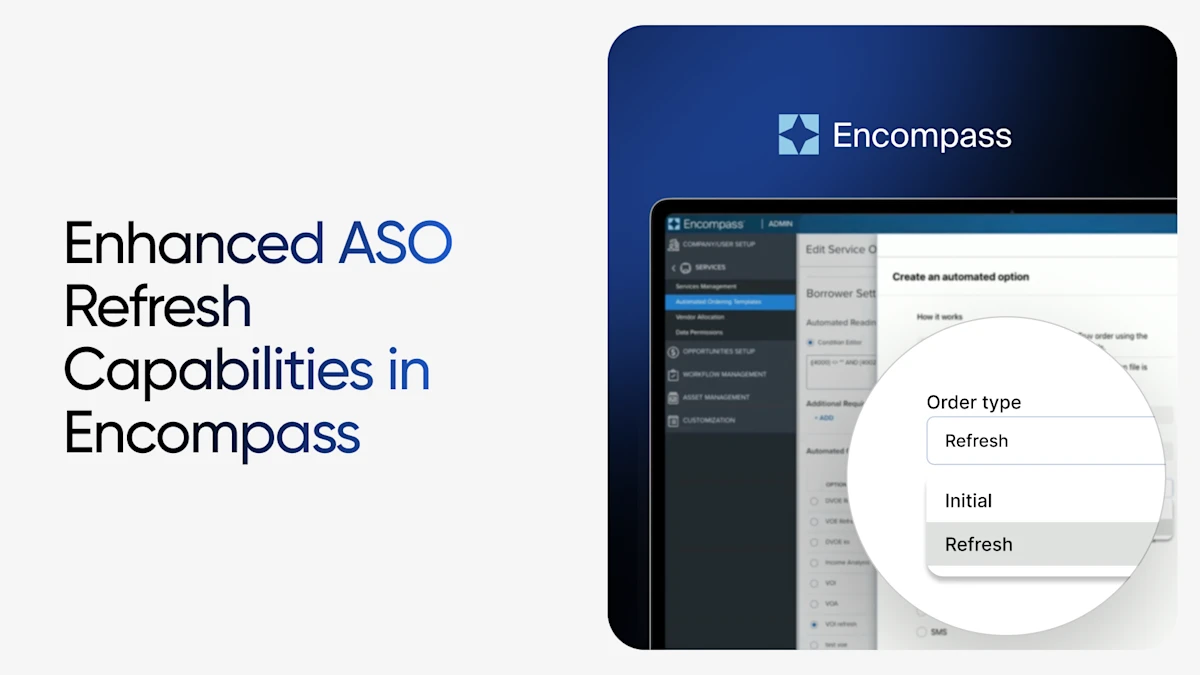
Truv is excited to announce a major enhancement to our Automated Service Ordering (ASO) integration with Encompass: new refresh capabilities that give lenders more control, more flexibility, and less borrower friction along the way to closing.
With Truv's enhanced ASO refresh capabilities in Encompass, lenders gain:
- More automation
- Lower borrower friction
- More control over verification timing
What's New: Initial Orders vs. Refresh Orders
Until now, ASO automatically created a new order every time it was triggered.
Now, lenders can choose between:
- Initial Orders
Create a brand new verification order for income and employment and/or assets (existing functionality). - Refresh Orders
Automatically refresh existing verifications without re-engaging the LO or borrower, eliminating redundant borrower requests whenever possible.
Flexible Product Type Selection
Refresh orders can be customized by product type to match your workflow and streamline 10-day pre-closing requirements:
- Verification of Employment (VOE)
- Verification of Income (VOI)
- Verification of Employment (VOE) with Most Recent Pay Stub
- Deposit-Based Verification of Employment (DVOE)
- Verification of Assets (VOA)
With Truv, refresh order triggers are customizable to align with loan milestones or certain conditions (i.e. credit scores, loan type, pre-approval, conditional approval, or pre-close, and more).
Employer Scope Options
Lenders can further customize automated refresh behavior with two employer scope settings for VOI, VOE, and VOE + most recent paystub. You'll have options to default the Automated Option to include either:
- All Employers
Pulls data across all connected employers in the borrower's profile and consolidates it into a single refresh order. - Current Employers Only
Automatically filters based on employment status and termination dates, refreshing only connected employers that were detected as current by Truv.
This ensures verification reports align precisely with underwriting needs.
Key Benefits for Lenders
Operational Efficiency
Refresh orders eliminate redundant verifications and order requests to borrowers, reducing processing time and minimizing manual legwork for the loan team and borrowers.
Improved Borrower Experience
By reusing existing connections, borrowers avoid repeated authentication steps unless absolutely necessary for MFA requirements or updated credentials.
Rep & Warrant Relief Support
Truv full suite of GSE-eligible reports, initial and refresh, help lenders not only maintain data quality for accuracy during the loan approval stage but also gives lenders peace of mind post closing by reducing buyback risk.
Workflow Customization
Refresh orders will automatically re-use the template from the original order, so there is no need to manage branding or customization for the refresh order. Truv templates are primarily managed by Truv account admins in Truv Dashboard and are pre-set with specific product types and order specifications, enabling each verification report to be tailored with precise data as needed as well as maintaining consistency at scale.
Conditional Logic Integration
Leverage Encompass conditions to trigger refreshes based on loan milestones, credit thresholds, or custom fields, ensuring verification reports are available exactly when needed.
Simple Setup in Encompass
Configuration is straightforward within Encompass:
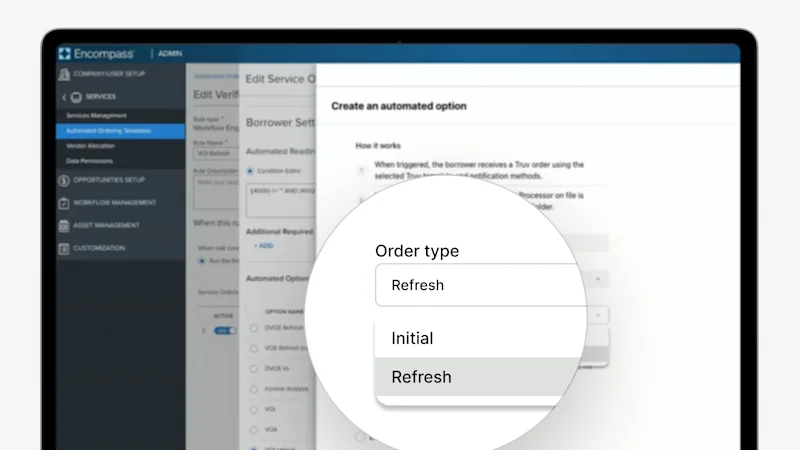
- Navigate to Automated Ordering Templates in your Encompass admin panel.
- Create automated options within your verification rules.
- Select your product type from the dropdown.
- Choose "Refresh" as the order type.
- Select employer scope (All or Current Only) for applicable product types.
- Configure borrower notifications:
- Email & SMS (recommended)
- Email only
- SMS only
Contact the Truv Team or your Customer Success Manager to learn more.


