

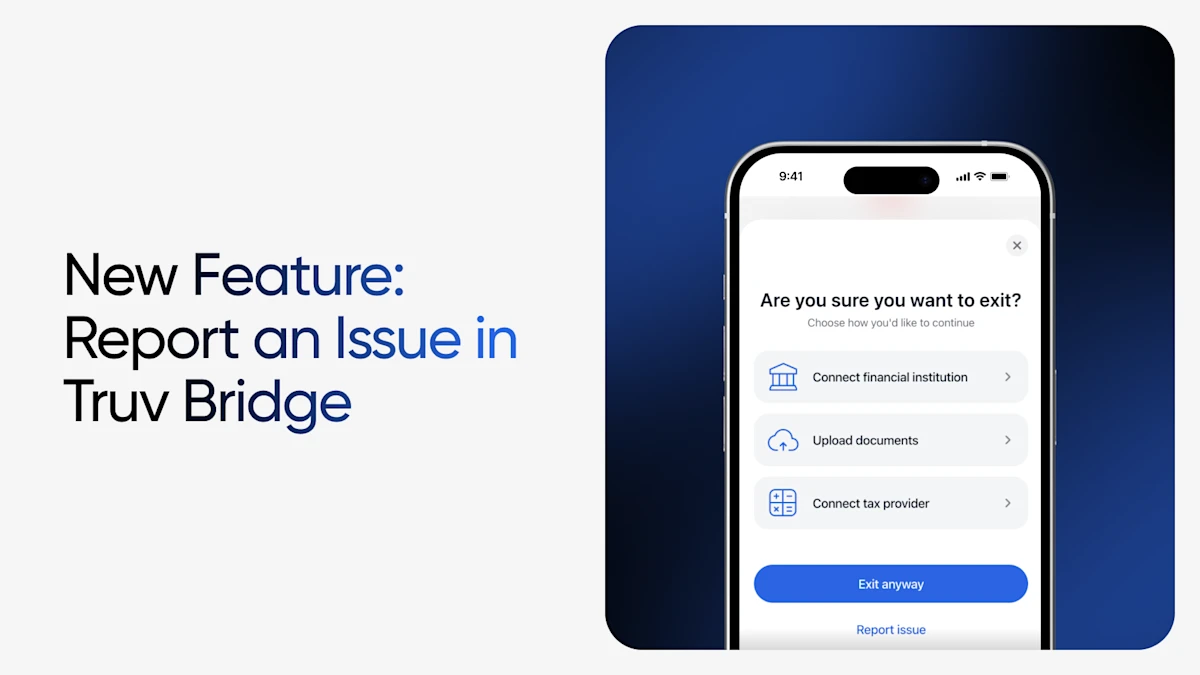
Some of the best product feedback comes from Truv's clients and their customers living the problem in the moment, not from a recap relayed three steps later or through third parties. That's exactly the gap we set out to close with our newest Truv Bridge enhancement.
End users — whether it's a borrower applying for a home loan, personal loan, or auto loan, or a client applying for state benefit programs — can now report an issue directly within Truv Bridge, in that exact moment. This eliminates screenshots forwarded to a loan officer or caseworker, removes broken games of telephone, and enables end users to provide feedback directly to Truv. When they flag what's wrong, that signal lands with the Truv team with full context attached.
The friction we set out to remove
Picture the old path. An end user is connecting their payroll account or financial institution and something doesn't look right — their employer is missing, or their login simply won't go through even though it works fine on the website itself. Until now, that user's only real option was to abandon the flow or tell whoever sent them the order. From there, for example, the issue had to travel: borrower to loan officer, loan officer to Truv, Truv support to Truv engineering. This process inherently added extra time to issue resolution.
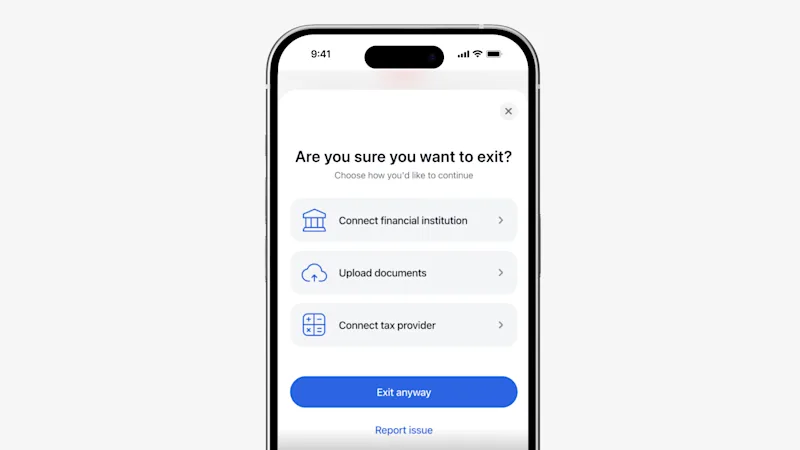
What's new: Report an Issue, built into the flow
Now the person closest to the problem can describe it the instant it occurs. From within Bridge, end users can surface issues like:
- "My employer is wrong." The search result doesn't match where they actually work.
- "My mapping is wrong." Their employer is tied to the wrong payroll provider, so the connection can't succeed.
- "It works on the provider's site, but not in Truv." For example, their ADP credentials log in perfectly on ADP's website but fail inside Bridge.
Because the report is captured inside Bridge itself, it arrives with the surrounding context already attached — the employer the user selected, the provider mapping in play, and where in the flow things broke down. That's the difference between "a borrower says login isn't working" and a precise, actionable signal our team can act on immediately.
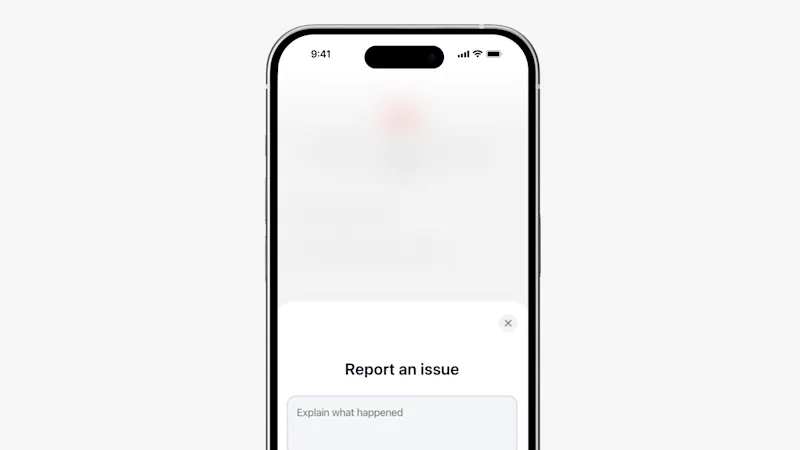
What happens after they hit submit
Once an end user reports an issue, it routes straight into Truv. Our support team receives it with the full picture and can work directly with Truv engineering to diagnose and fix the underlying cause, whether that's correcting an employer-provider mapping, adding a missing employer, or correcting an institution-specific login failure.
Why it matters for you
- Faster resolution. Issues reach the Truv team members dedicated to fixing them in minutes, not days, with the context needed to act on the first pass.
- Tighter support loops. Support and engineering collaborate directly on real, well-documented signals, so problems get closed out fast and stay closed.
- Fewer hand-offs for your team. Your team and staff are no longer the courier service for technical issues, freeing them to focus on their relationships.
- Better conversion. Every problem we resolve faster leads to higher successful connection counts, improving your conversion and the value you get from Truv.
We've always built Truv Bridge with conversion and end-user experience top of mind, and this enhancement is a direct extension of that philosophy: give the person experiencing the friction the fastest possible path to getting it fixed.
Available now
Report an Issue is live in Truv Bridge today. Reach out to your Customer Success contact or email us at support@truv.com.


