

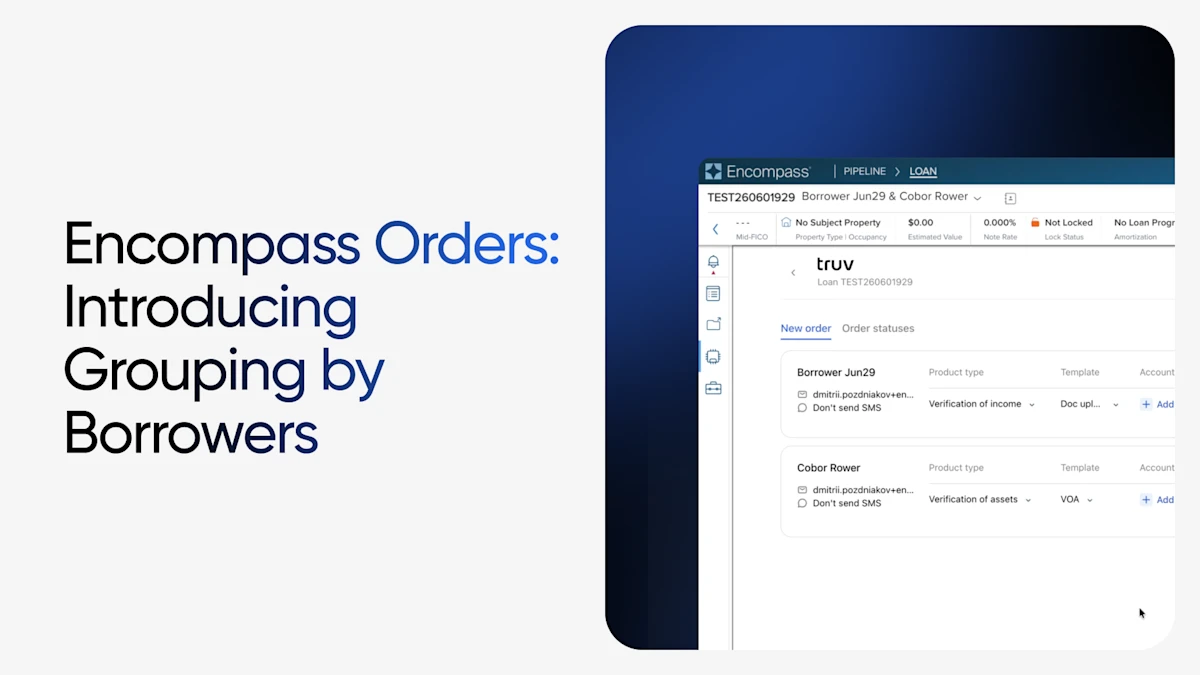
Managing verification orders just got easier for mortgage lenders using Truv in Encompass. We've updated the Truv Orders page to organize verification requests by borrower and co-borrower, making it faster to review, manage, and refresh orders within a loan file.
What's New
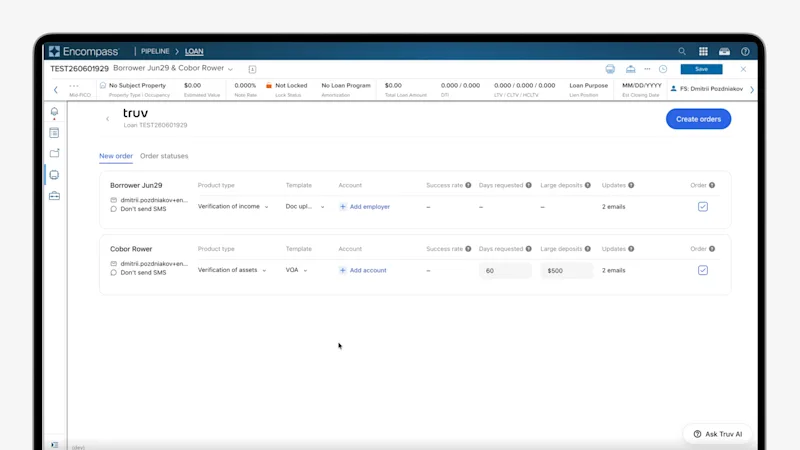
The redesigned Orders page now groups verification requests under each borrower, giving lenders a cleaner, more intuitive view when working with multiple applicants or combination orders.
Key enhancements include:
- Borrower-based organization – Orders are grouped by borrower and co-borrower name, making it easy to see which verifications belong to each person on a loan file.
- Simplified combination orders – VOIE, VOA, and other verification products appear together under the appropriate borrower, reducing the need to navigate between separate order views.
- Streamlined order management – Reports, refresh reports, and order details are organized in a single table, helping lenders quickly locate the information they need.
- Cleaner page layout – A refreshed table design consolidates key information, including borrower contact details, for a more efficient ordering experience.
Why It Matters
Loan files often include multiple borrowers and multiple verification products. By grouping orders by borrower, lenders can more quickly:
- Review outstanding verification requests
- Identify which reports belong to each applicant
- Manage combination orders with less navigation
- Improve workflow efficiency throughout the verification process
Available in Encompass
This enhancement is designed to make the Truv experience inside Encompass more intuitive, helping mortgage teams spend less time managing orders and more time moving loans forward.


