

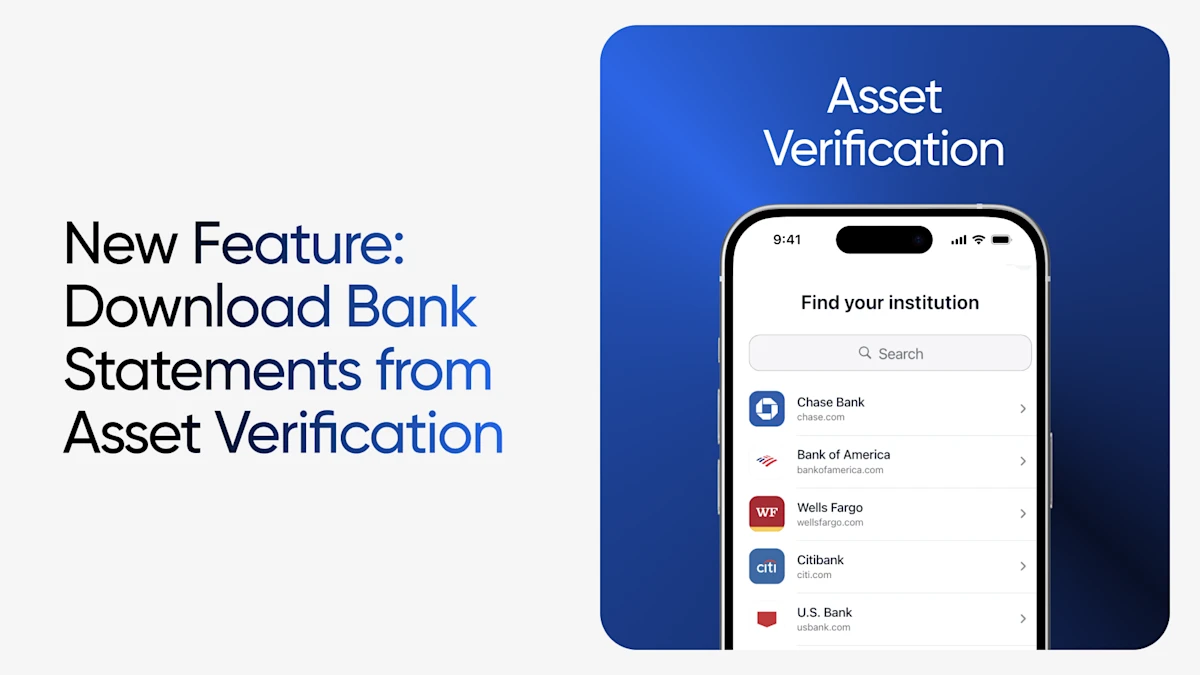
Truv is excited to announce a powerful new addition to our asset verification solution (VOA). Lenders can now download monthly bank statements directly from VOA orders. Similar to how Truv's income and employment verification (VOIE) solution retrieves and returns pay stubs and W2s, now, with one bank-based connection, lenders can access both the structured asset data report they already rely on plus the monthly statement documentation underwriting may need. No separate borrower request. No paper chase.
This enhancement unlocks a whole set of use cases where statements aren't just helpful, but they're required, and brings them into the same streamlined Truv workflow lenders already use today.
What's new
Truv's VOA already connects borrowers to their financial institutions in seconds, returning real-time asset, balance, and transaction data directly from the source. Now, alongside that data, lenders can pull monthly bank statements generated from the same VOA order.
That means the documentation underwriters need to substantiate balances, reserves, and account history is available on-demand, eliminating the back-and-forth of chasing borrowers for PDFs from their banking portals.
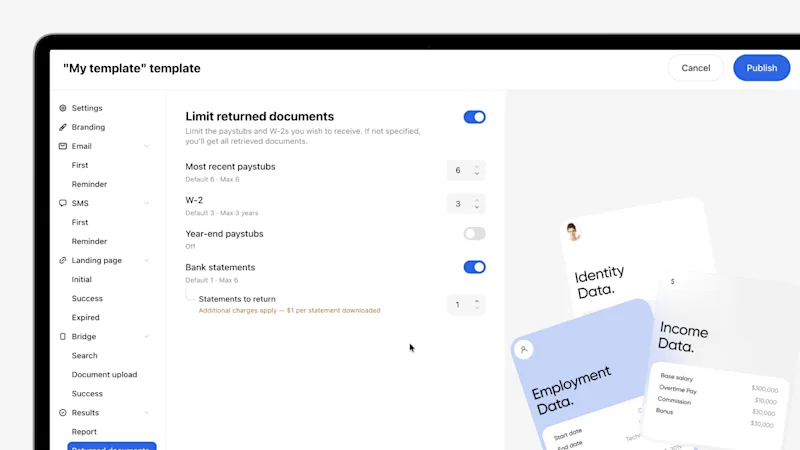
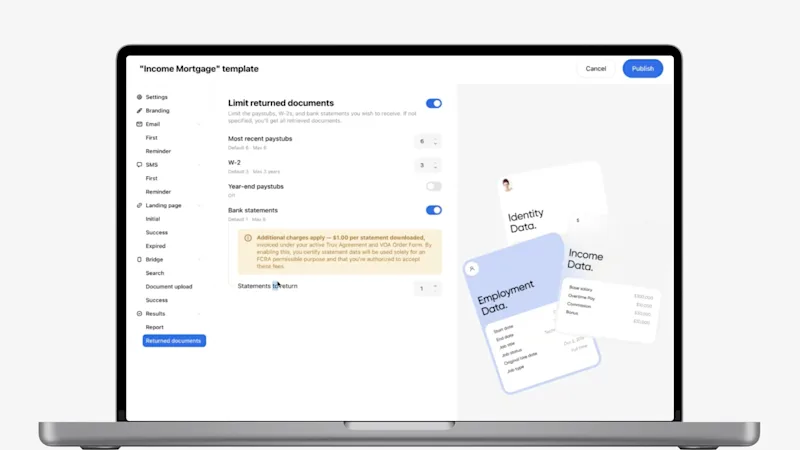
Asset Verification templates in Truv Dashboard > Templates now include an optional Bank Statements setting. The feature is disabled by default, allowing you to enable statement downloads only when needed. Users can also view the maximum number of downloadable statements and understand that additional charges apply when the feature is enabled.
Why monthly statements matter when Account Owner is Missing
While Truv's asset verification reports are comprehensive, some loan products, files, and account types may call for the source statement as supporting documentation, including:
- Brokerage, 401(k), and investment accounts. When vesting schedules and net balances need to be documented, for example, to show proof of reserves, statements provide the paper trail underwriters require to qualify these assets with confidence.
- Construction loans. Statement-level documentation helps support the asset and reserve requirements common to construction lending.
- Non-QM loans. Many non-QM programs lean on bank statements as a core qualifying document. Now that documentation can come straight from a Truv VOA order.
- Non-investor loans. For loan types that fall outside standard agency guidelines, statements give underwriters the documentation they need to approve more loans.
Push statements straight to the Encompass eFolder
While this feature is available for lenders on Truv Dashboard, we've also expanded the functionality for lenders working in ICE Mortgage Technology's Encompass®. This feature fits right into the loan file. Bank statements pulled from a Truv VOA order can be pushed directly to the Encompass eFolder, automating the transfer of the statements exactly where processors and underwriters expect to find them, with no manual download-and-upload steps in between.
Combined with Truv's existing Encompass integration, where VOA data and Report IDs flow automatically into the LOS, lenders get a clean, end-to-end experience from initial order to underwriting to post closing.
The Truv difference
This release reflects what Truv is built to do: give lenders everything they need for verifications in one platform, without managing multiple vendors or requests to borrowers. With monthly statements added to VOA, lenders can now:
- Capture both structured reports and statements in a single VOA order
- Support reserve, construction, non-QM, and non-investor requirements without leaving their workflow
- Automate statements to populate directly into the Encompass eFolder
- Keep the same fast, fully digital borrower experience through the Truv Bridge
Underwriters gain documentation they can trust. Processors save time by skipping the manual paper chase. Loan officers get hours back to focus on borrowers. And borrowers get on a smoother path to closing.
How to get started
For Truv clients who already have VOA enabled, accessing monthly bank statements is one simple configuration away. Reach out to your dedicated Customer Success Manager to learn more.
Not using Truv VOA yet? Contact the Truv team to see how a single platform can handle income, employment, asset, and now statement documentation needs.


