

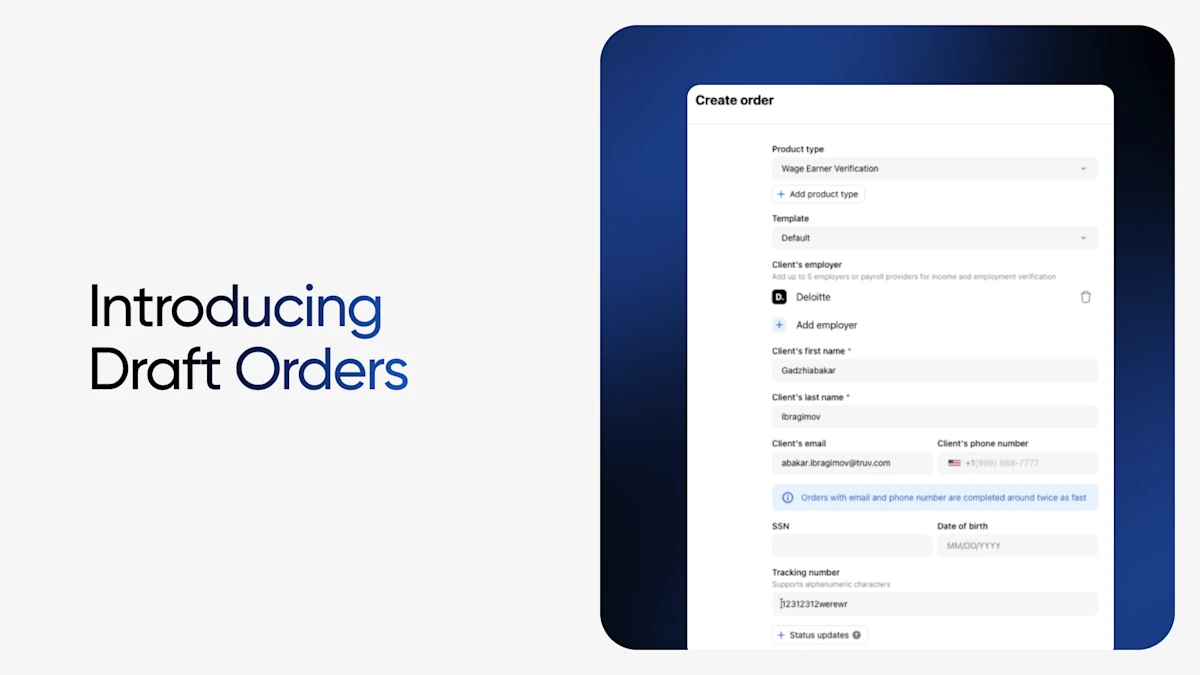
For Truv by Checkr customers, from enterprise to subscription or self-service workflows, you can save your progress on new orders or verification requests and finish them to send to your client when you're ready. Whether the phone rings mid-way through the form or you’re missing critical applicant details, now your order creation progress is saved.
How it works for Enterprise Clients on Dashboard
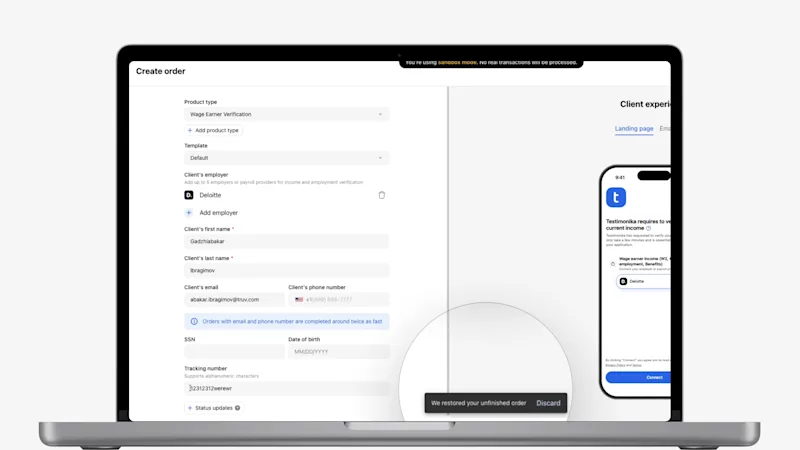
When you create a new order in the form in the Dashboard’s Orders tab, your progress on the order form is now saved automatically as a draft. If you need to step away to track down an applicant's employer information, confirm if they have any additional income sources, answer a question for another borrower, or simply switch to another task, you can come back later and continue exactly where you stopped. There is no re-entering information and no restarting the session.
Fields Saved in Create Order Form:
- Product Type
- Template
- Employer(s) and/or Financial Institutions
- Client’s last name
- Client’s first name
- Client’s email
- Client’s phone number
- Tracking number
Drafts are saved in your browser for up to 30 days, giving your team plenty of time to gather what they need before submitting.
How it works for Subscription and Self-Service Clients
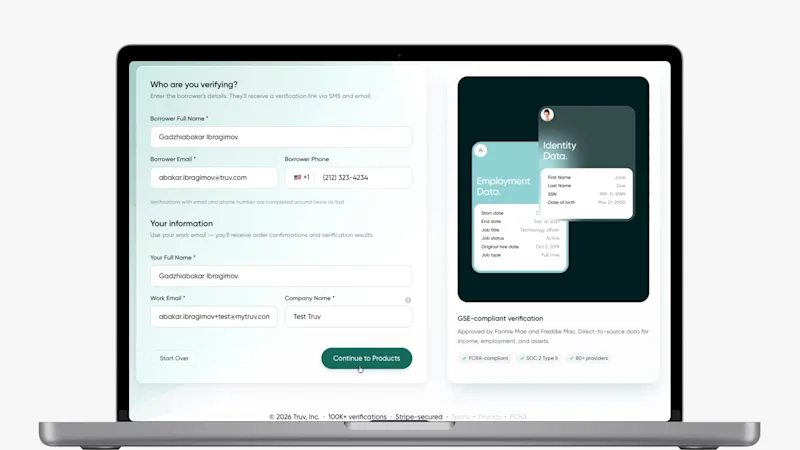
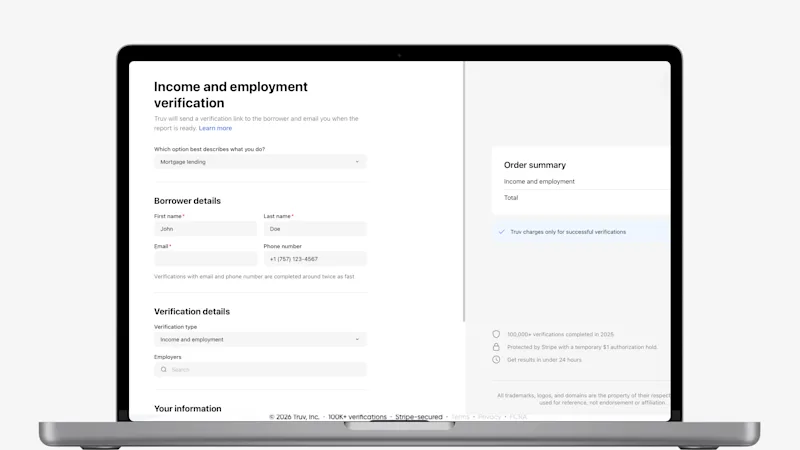
- Create an order on https://dashboard.truv.com/verification
- Fill in the information you have on hand.
- Leave the form at any point. Your progress is saved as a draft with pre-filled fields intact.
- Return within 30 days to finish and submit the order.
Because drafts are stored in your browser, be sure to return using the same browser and device you started with.
Availability
Draft Orders is available today for all Truv clients, including enterprise accounts, subscription plans and self-service workflows.
Why it matters
Every time an order manager has to restart an order, they repeat steps they've already done. Draft Orders removes that repetition. Your information stays where you left it, so there's nothing to re-enter when you come back. Fewer steps mean less time on each order and faster verifications.
Test the feature or reach out to Support with any questions!


