

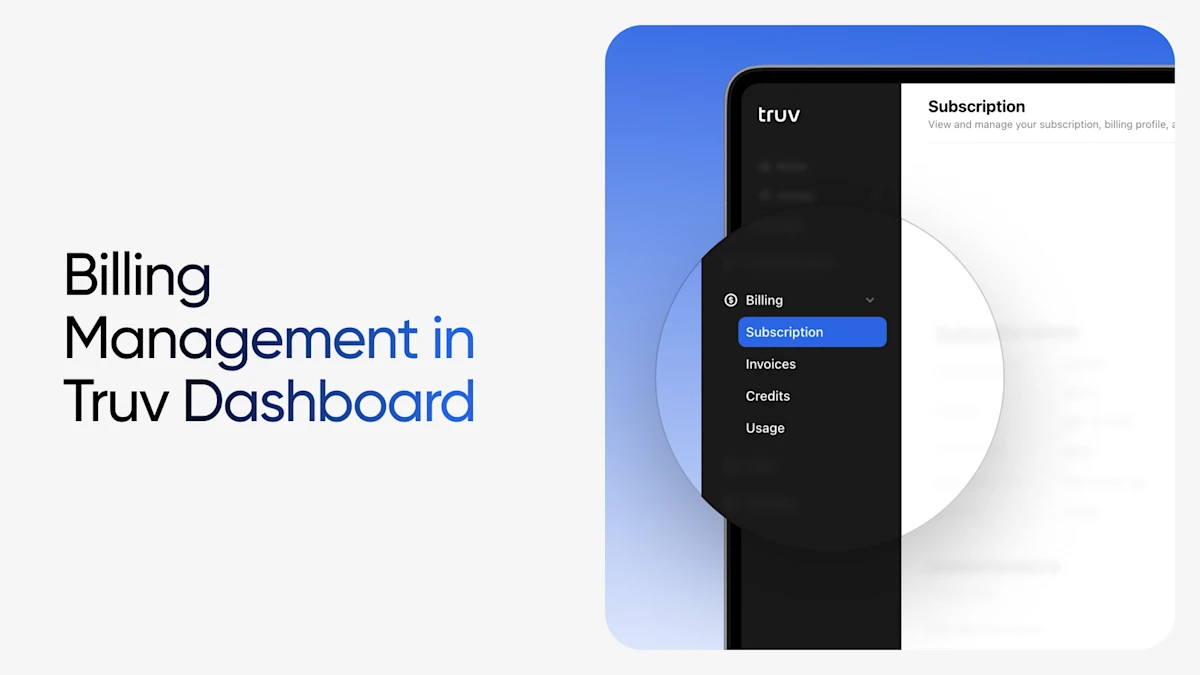
At Truv, client feedback drives every enhancement we make to our platform. We listen carefully to what our users need, which is what led to the transformation of our billing and invoices view in the Try Dashboard. In May, 2025, we introduced a new billing tab, providing our clients with better visibility and more control over billing and invoices.
Why We Built the New Billing Tab
Managing financial aspects of any service shouldn’t be a hassle. A centralized location designed for Truv clients to easily access billing information, view invoices, track usage, and manage payments, streamlines the experience without having to navigate through multiple screens to locate an invoice or contact support for basic billing details.
The new Billing tab represents our commitment to transparency and user experience, providing all the billing functionality and details our clients need in one intuitive interface.
What’s Inside the New Billing Tab
The new Billing tab is organized into five key sections, with tabs curated and displayed based on your account type and usage. Here’s what each section offers:
Subscription Tab
The Subscription tab provides a clear overview of your:
- Contract start and end dates
- Contract terms and conditions
- Currently enabled products and features
This eliminates any guesswork about what services you have access to and when your contract periods begin and end.
Invoices Tab
Access and manage your monthly invoices with ease referencing the Invoices tab to:
- View all your billed monthly invoices in one place
- Open detailed invoice breakdowns
- Pay recent outstanding invoices directly through the platform
No more searching through emails or contacting Truv support. The dedicated tab has everything you need!
Credits Tab
Keep track of your account credits with complete transparency displays of:
- Starting credits for your selected time period
- Ending credits balance
- Credit usage breakdown for the selected period
This gives you full visibility into how your credits are being utilized and what balance remains.
Usage Tab
Understand exactly what you’re being billed for with the comprehensive Usage tab, which shows:
- A detailed table of all billed tasks for your selected period
- Task-level breakdown for complete transparency
- Easy filtering and sorting options to find specific usage details
Monthly Report Tab
Download and analyze your usage data with the Monthly Report feature, which:
- Provides downloadable monthly usage CSV files
- Offers the same functionality previously found in the Home tab’s ‘Usage’ section
- Enables detailed analysis and record-keeping for your internal processes
Better Control, Greater Transparency
By centralizing all billing-related functions, Truv clients can now:
- Proactively monitor usage and spending
- Quickly resolve billing questions without contacting support
- Maintain better internal records with downloadable reports
- Pay invoices instantly rather than waiting for processing delays
Dedicated Billing Manager Role
Managing financial information requires careful access control, and Truv Dashboard delivers with its dedicated Billing Role feature. This role-based permission system ensures that sensitive billing details remain accessible to only team members who need it, and not across the board.
The Billing Role assignment allows you designate specific team members who require access to financial information and billing management features. Once assigned, these team members gain access to the Billing tab within the Truv Dashboard, alongside Account Owners who have inherent billing access.
Beyond Billing
The launch of the new Billing tab is just one example of how we continue to evolve the Truv platform based on real client needs. We’re committed to making every aspect of working with Truv as seamless and transparent as possible.
As always, we welcome your feedback on this new feature. If you have suggestions for further improvements or other areas where we can enhance your experience, please don’t hesitate to reach out to our team.
The new Billing tab is available now in your Truv Dashboard. Log in today to explore the enhanced billing management capabilities and see how much easier managing your Truv account can be.


