

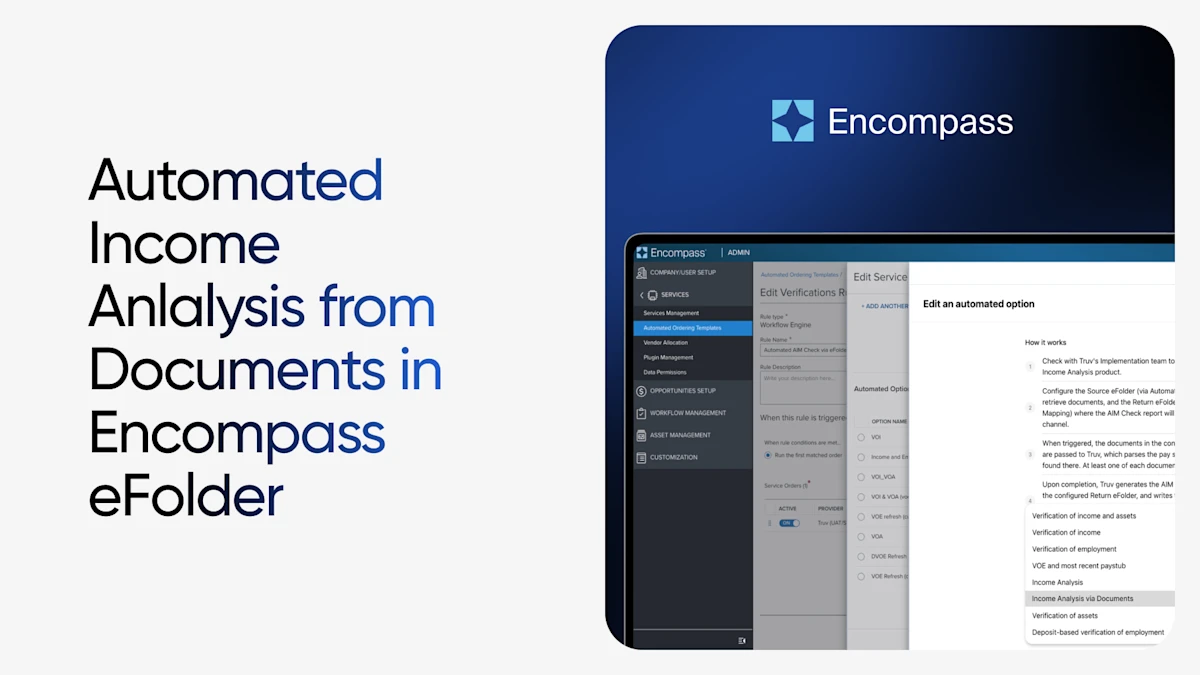
Lenders using Encompass can now trigger a full Truv income analysis without manual ordering, just by dropping documents in the Encompass eFolder.
From eFolder to AIM Check and back, fully automated
Truv now reads borrower documents, including paystubs and W-2s, directly from a lender's Encompass eFolder. Once income documents are added, Truv can read from Encompass eFolder, digitize and parse the data, submit it to the AIM Check API, and write the resulting report back into the eFolder. No manual triggers. No additional steps for loan officers.
The problem this solves
Today, verifying income from paper documents usually means someone on your team manually reviewing a pay stub, cross-referencing it against a W-2, calculating income, and deciding whether it lines up with what the borrower reported. It's slow, it's repetitive, and it's exactly the kind of task that's prone to human error under deadline pressure.
With Income Analysis via Documents, that step disappears. Truv automatically reads documents that are added into the Encompass eFolder, automating the steps to automate income analysis for you.
Benefits for lenders
- Improve rep and warranty relief rates: Learn more.
- No integration work required: Configure the workflow in Encompass Web Admin Settings and go live; no development or custom build needed. Get started.
- Less manual review for processing teams: Loan officers and processors no longer need to manually cross-reference pay stubs against W-2s.
- Fewer human errors: Removing manual calculation and judgment calls cuts down on mistakes that happen under deadline pressure.
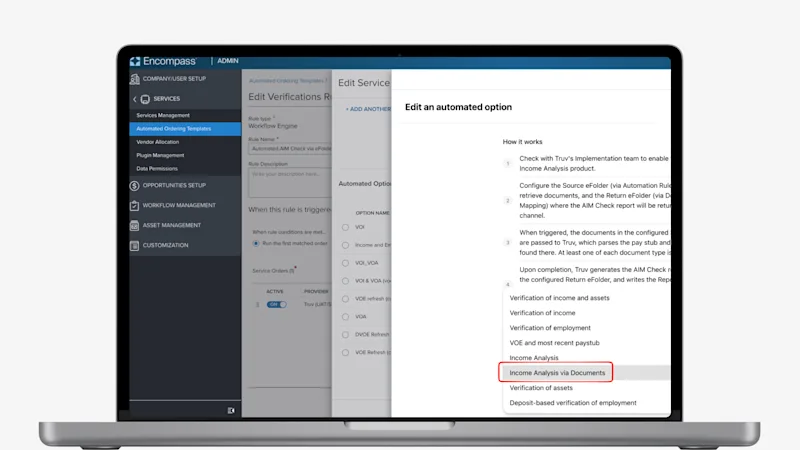
How it works
Once configured, the workflow runs entirely in the background:
- A loan officer or processor attaches a borrower's pay stub and W-2 to a designated eFolder in Encompass, the same way they already handle income documentation today.
- Encompass automatically triggers a Truv income analysis order. No manual service order, no extra clicks.
- Truv parses the documents. At least one pay stub and one W-2 are required for a completed report.
- A completed AIM Check report is returned directly to Encompass. Truv writes the Report ID to the corresponding fields in Encompass for applicable borrowers.
The result: income analysis that used to take manual review now happens automatically, in the background, as part of the workflow your team already follows.
What to keep in mind
A few things are worth knowing as you roll this out:
- Both document types are required. An upload with only a pay stub or only a W-2 won't trigger a completed report.
- Missing co-borrowers are expected, not errors. Truv only processes borrowers with a first name, last name, and SSN on file. A co-borrower with no documents in the folder simply won't get a report.
- A returned PDF isn't automatically a pass. If employment data wasn't present in the submission, the report can still come back. It will note "employment not submitted" and mark that borrower ineligible directly on the PDF.
A smarter fallback strategy
While payroll connectivity remains the gold standard for income and employment verification, document-based workflows are an essential part of any modern waterfall strategy.
This integration ensures that when lenders rely on uploaded documents, they're not sacrificing automation, speed, or rep and warrant opportunity. Instead, they're extending automation deeper into the files that need it most.
Getting started
Income Analysis via Documents is configured through Encompass Web Admin Settings and takes four steps to set up: confirming Truv as an automated verification service, mapping a return eFolder for the completed report, building an automated ordering template, and creating the workflow rule that ties it all together.
Reach out to your Truv implementation team to get the Income Analysis product enabled for your instance, or check out our full setup guide for a step-by-step walkthrough.


