

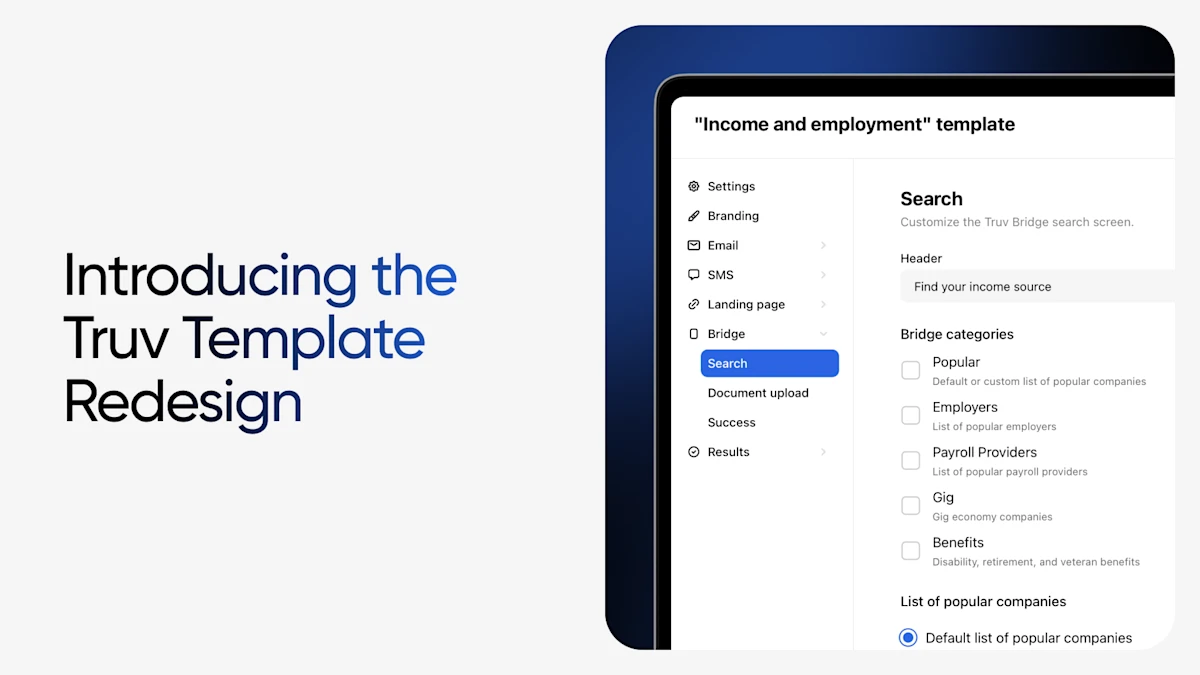
Truv Templates do a lot of heavy lifting. From a single template, you control customization and branding across Truv Bridge, emails, SMS notifications, landing pages, and returned data: you set order behavior and notifications, which data fields come back, and you define the requirements an order has to meet.
We gave the template experience in the Truv Dashboard a refreshed look, feel, and experience. Cleaner layout, logically grouped fields, clearer individual settings, and expanded customization options were released, all aimed at one thing: making it faster and more intuitive to configure the Truv experience you want.
The enhancements we set out to deliver
A template is one of the most powerful tools in your Truv account. As we rolled out new capabilities and features, we saw an opportunity to improve navigation of related settings. For teams managing several templates across product types, or admins onboarding a new team member, the configuration and features were never the problem. The way it was laid out needed to be rebuilt.
What's new: a redesigned template, end to end
A cleaner layout
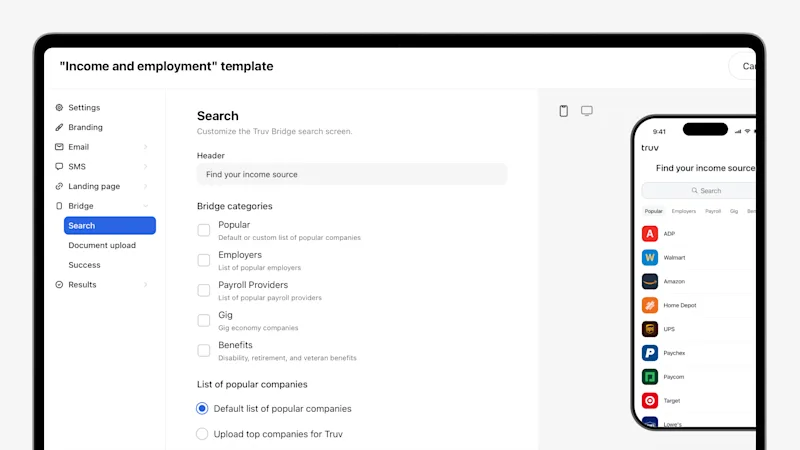
In Truv Dashboard's Template tab within the Customization tab in the navigation menu, the template editor now follows a clear, logical structure from top to bottom, so you always know where you are and what you're configuring. Less visual clutter, less scrolling to find what matters, and a layout that makes the shape of a template easy to take in at a glance.
Logically grouped fields
Related settings now live together. Branding, messaging and notifications, order behavior, and data and requirements are organized into coherent groups, so configuring one part of the experience means working in one place, not jumping back and forth across tabs. You can see how the pieces of a template fit together, not just edit them one by one.
Clearer fields
We've sharpened the individual fields themselves with clearer labels and a more consistent layout, so what each setting does, and how it affects the end-user experience, is easier to understand at a glance. That's especially valuable for anyone configuring a template for the first time.
Expanded customization options
The redesign isn't just reorganization. It also opens up more control over how your templates look and behave, giving you finer-grained ways to tailor the verification experience to each product type, workflow, and client need.
Auto-open controls for orders with multiple products
For orders that have combination products, you can now select one product to auto-open for the client, guiding the borrower and improving conversion.
Why it matters for you
A better-organized template builder pays off every time someone touches it:
- Faster setup. Find the setting you need and configure it without hunting across the screen.
- Fewer configuration errors. Clear labels and grouped fields make it obvious what each setting controls, so templates do what you intended the first time.
- More control. Expanded customization options let you tailor the experience more precisely to each product type and workflow.
- Consistency at scale. For teams running multiple templates across product types and business units, a clearer, more organized builder keeps every configuration intentional and consistent.
Templates are where you shape the Truv experience for the end user, so making them easier to get right is a direct investment in everything downstream, from branding to conversion.
Available Now
The redesigned template experience is live now in the Truv Dashboard under Customization → Templates. As always, the best improvements come from the teams using the product every day, so if there's a setting or customization you'd like to see next, reach out to your Customer Success contact or email us at support@truv.com.


