

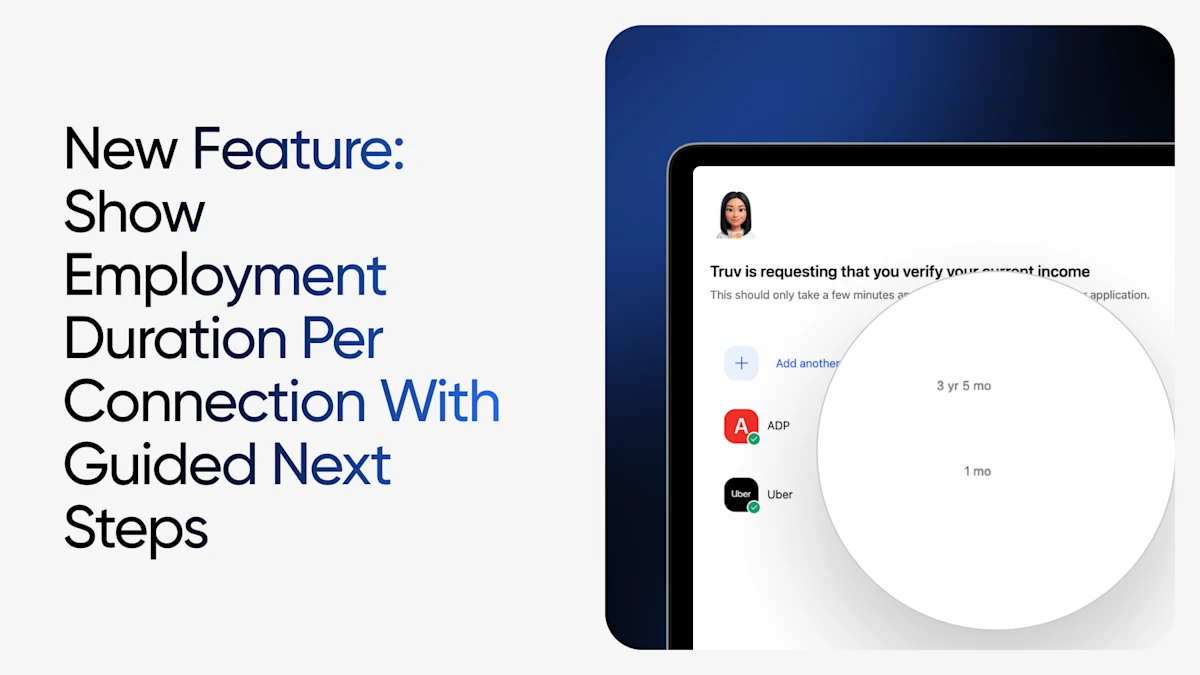
A verification is only finished when it's complete. If only one employer or payroll provider is connected, but you need at least two years of history to review, Truv has introduced guard rails and action steps for end users.
The friction we set out to remove
Until now, the moment a loan officer's borrower or case worker's client connected an employer or payroll provider was a bit of a black box for them. They'd link an account, see a success state, and reasonably assume they were finished. Whether that single connection actually covered the history your order required was not transparent for them.
If it fell short, the gap usually surfaced after the fact, when your team reviewed the report, realized the history was incomplete, and had to re-engage them. Every one of those round-trips costs time, conversion, and steps during time-sensitive processes, such as applying for a mortgage or state benefits.
What's new?
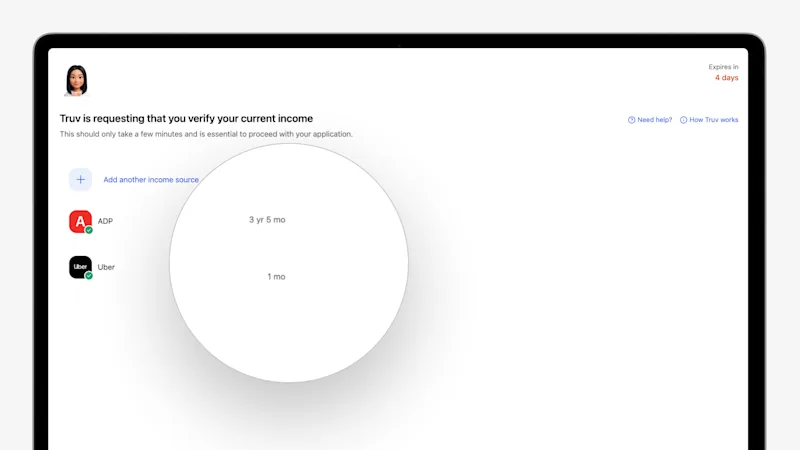
1. Show connected employment duration
When an end user connects to an employer or payroll provider, Truv now shows them a clear summary of the employment duration that connection returned right on the order landing page. Minimum requirements are configured in your Truv templates, so the experience reflects exactly what your workflow needs without per-order setup.
2. Guide end user to connect additional sources
When a connection is successful, but the employment history comes back short of the requirements set in your template, Truv flags the end user's next step automatically. Truv guides the end user to connect the minimum required employment duration or any missing employers needed for their application. Once prompted, they can connect the additional sources — another employer or payroll provider — to fill the gap as needed.
The path forward is surfaced in real time during peak engagement in the Truv experience.
Why it matters for you
- More complete data on the first pass. Guided experiences enable end users to meet your history requirements before they leave, so reports arrive whole instead of needing a second round.
- Fewer re-requests and follow-up calls. Gaps get filled while the end user is still interacting with Truv, not after the fact, when re-engagement is hardest.
- Configurable to your workflow. Set minimum requirements once in your Truv templates and let every order enforce them automatically.
We'd love your feedback
Connected employment duration results and the auto-prompt for additional required data are live on the order landing page today, configurable through your Truv templates. If there's a requirement or workflow you'd like to see supported next, we want to hear it. Reach out to your Customer Success contact or email us at support@truv.com.


