

Configure the emulator
Emulator allows you to explore the end-user experience using different Products, Solutions, Templates, as well as routing to a specific Company or Payroll provider.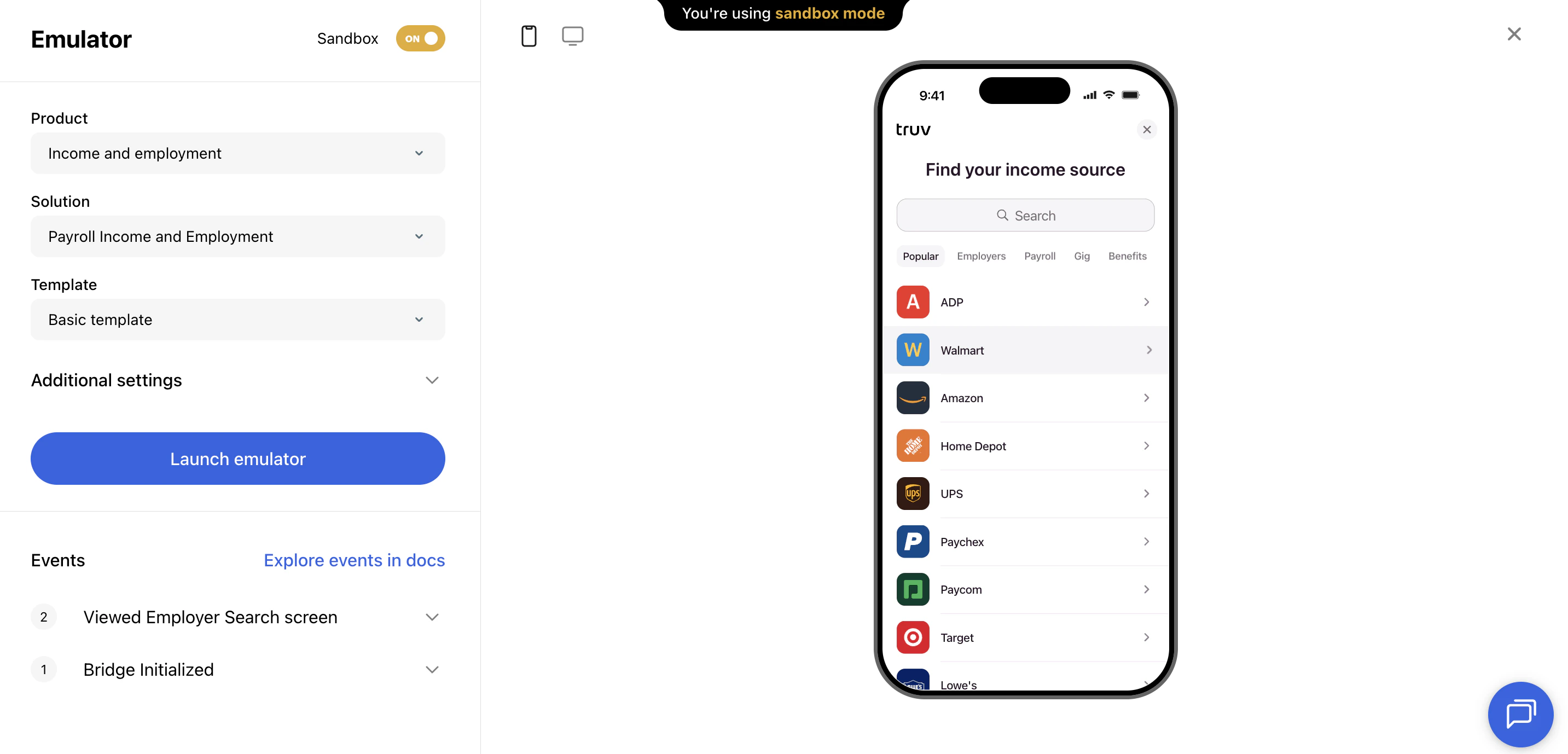
| Option | Description |
|---|---|
| Product type | Income & Employment, Assets, etc. |
| Solution | Payroll only, or include fallback workflows (document upload, financial accounts, etc.) |
| Template | Preview how your branding and template configuration will appear |
| Company / Provider ID | Optionally specify a company or provider to open that connection directly |
Explore the verification flow
Once configured, click any company in the search results and use one of our login test credentials to begin the simulated login experience. In Sandbox mode, the emulator lets you test every solution:- Payroll connections
- Financial accounts
- Document processing (paystubs, W-2s, tax returns)
- Smart routing, Choice Connect, and fallback workflow behavior
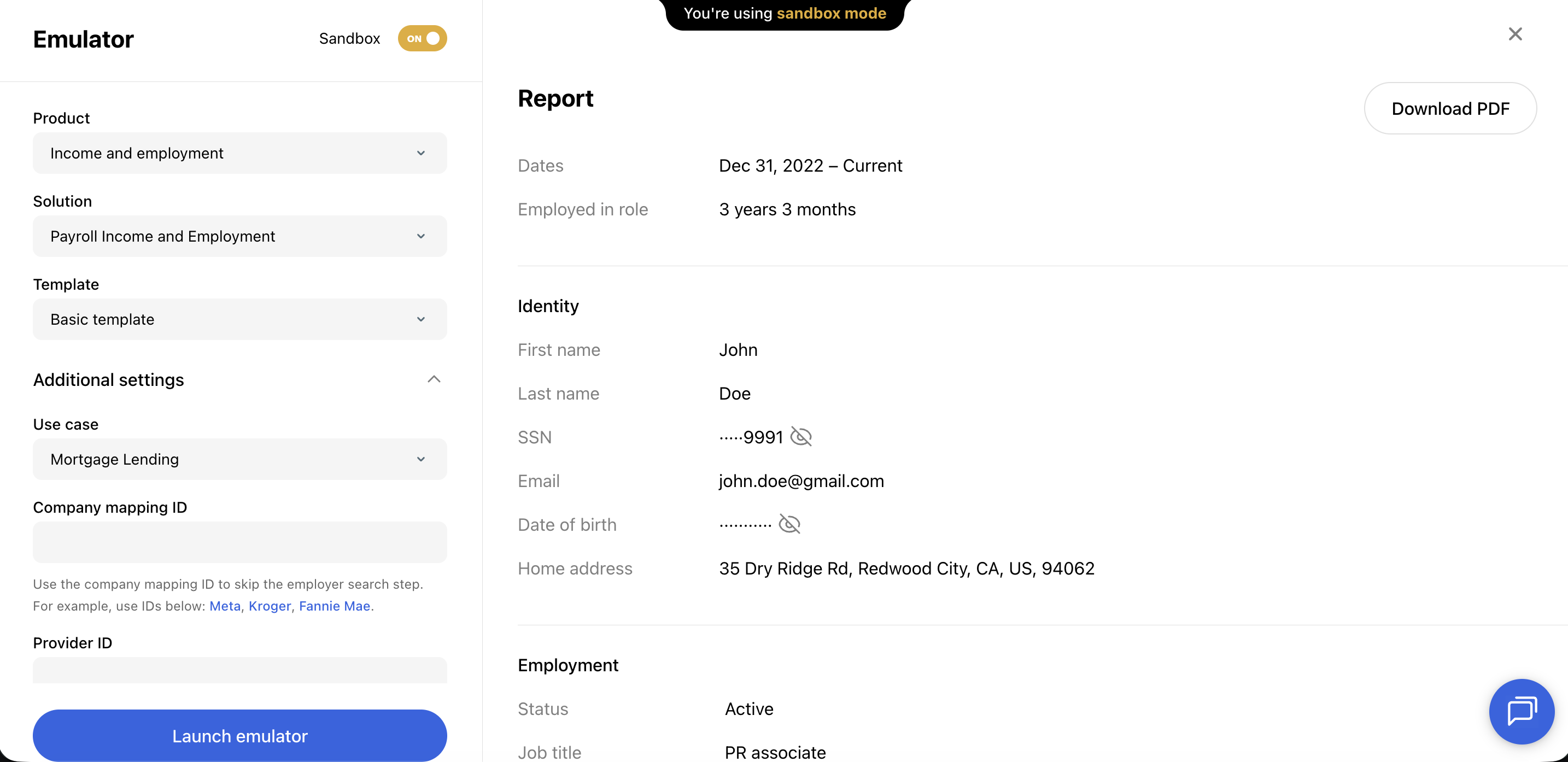
Common use cases
- Training demos — Walk a client through the borrower experience before go-live, with their branding applied via a template
- Template QA — Validate that branding, copy, and search categories are configured correctly
- Workflow testing — Reproduce specific fallback or error scenarios in a controlled environment
Next steps
Test credentials
Use sandbox credentials to simulate different outcomes
Templates
Configure the template shown in the emulator