

Subscription
The Subscription tab shows your current active plan and enabled products.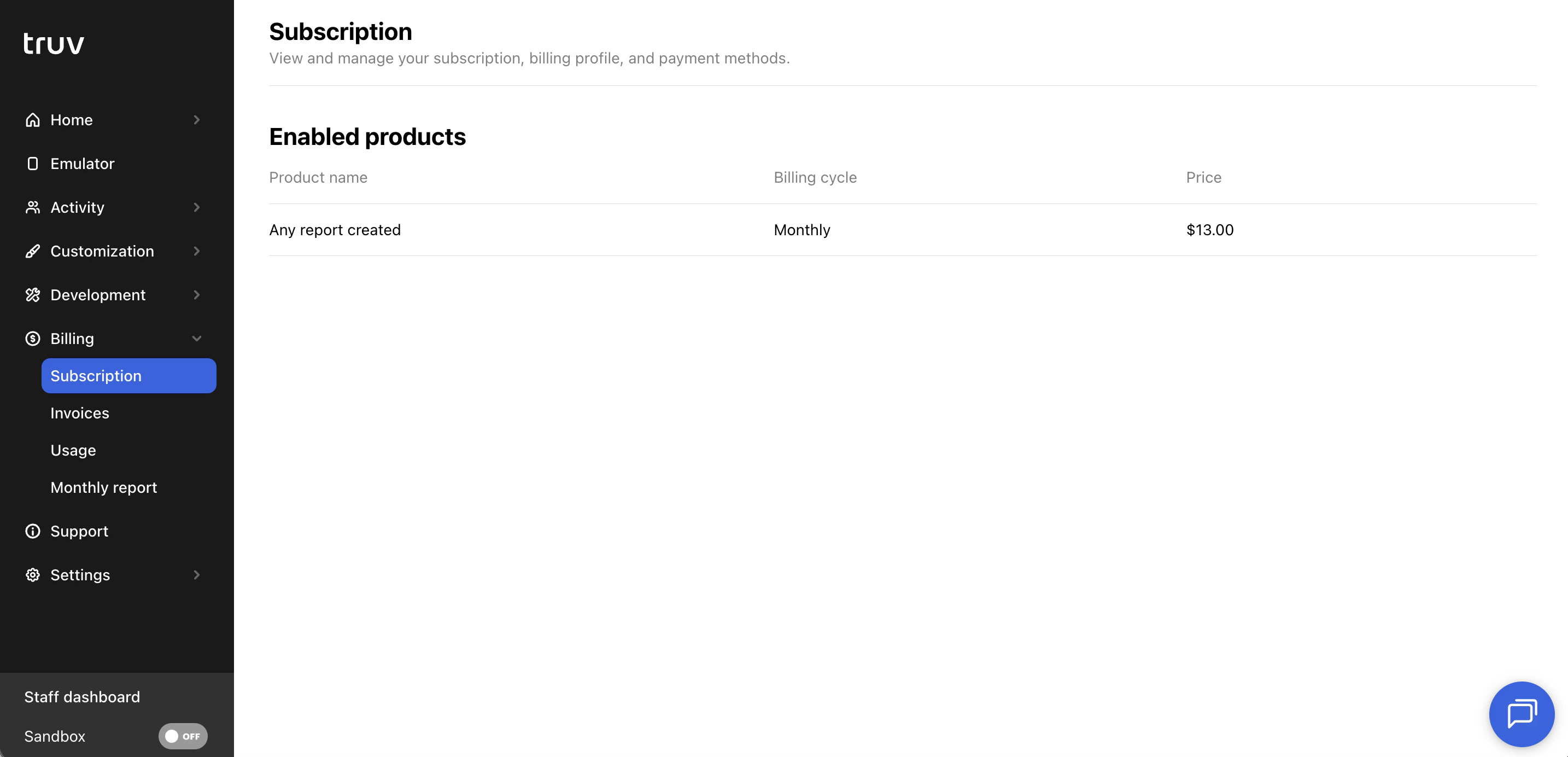
- Plan name and enabled product details
- Billing cycle and price per billable unit (task, report, or loan, depending on your contract)
Invoices
The Invoices tab lists all invoices issued to your account.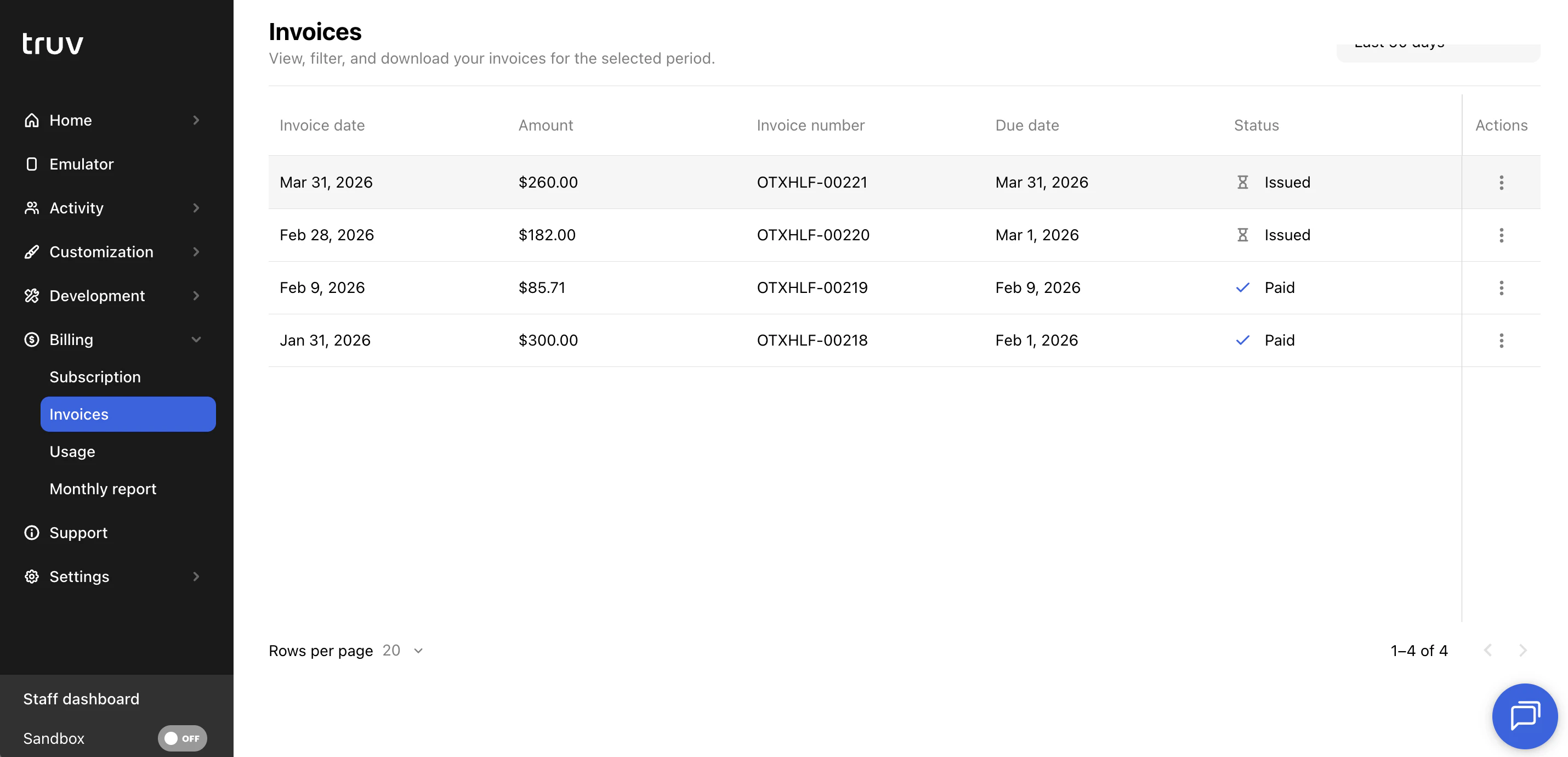
- View invoice details including date, amount, invoice number, due date, and status
- Open a direct link to the invoice
- Pay outstanding invoices
Credits
The Credits tab is visible when your account has a credit balance. It shows how credits are being consumed over time.All dates in the Credits tab are displayed in UTC.
Summary
| Metric | Description |
|---|---|
| Starting balance | Credit balance at the beginning of the selected period |
| Ending balance | Credit balance at the end of the selected period |
| Total usage | Total credits consumed during the selected period |
Charts
Two line charts visualize credit activity over the selected date range:- Usage — daily credit consumption
- Credits balance — daily ending balance
Usage
The Usage tab shows a detailed breakdown of all usage in your account, mapped to your billable unit.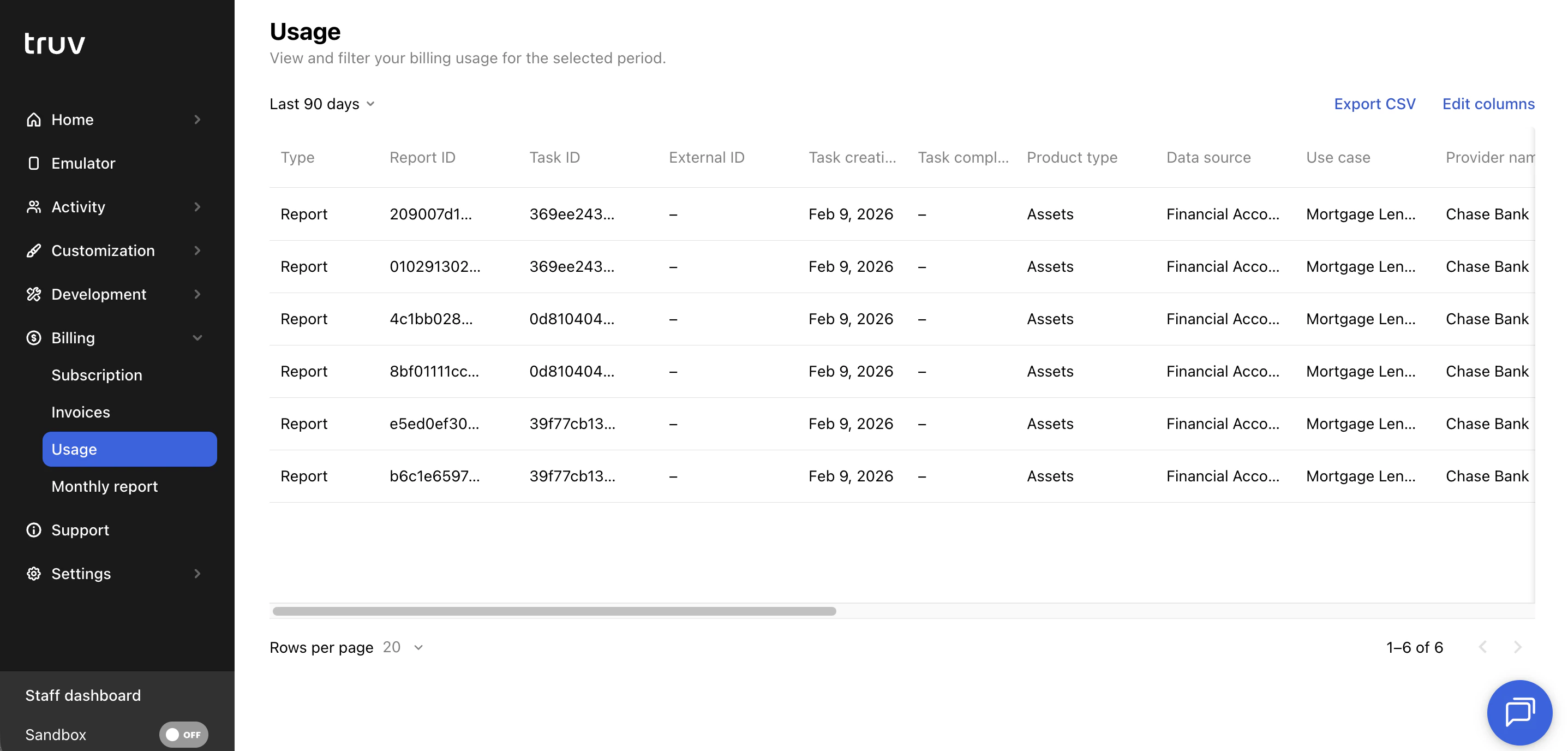
- The view adjusts to reflect whether your contract bills per task, report, or loan
- Filter by date range to see usage for a specific billing period
- Click Export CSV to download usage data for reconciliation against your invoice