About Truv
Truv provides quick, secure and cost-effective employment and income verifications for thousands of verifiers, including state agencies. The process is simple and automated and most employees are verified in under 24 hours. Thousands of verifiers love Truv because it’s never been easier and more streamlined to verify an employer. The best part? It typically takes applicants less than 60 seconds to complete — in just a few easy steps.
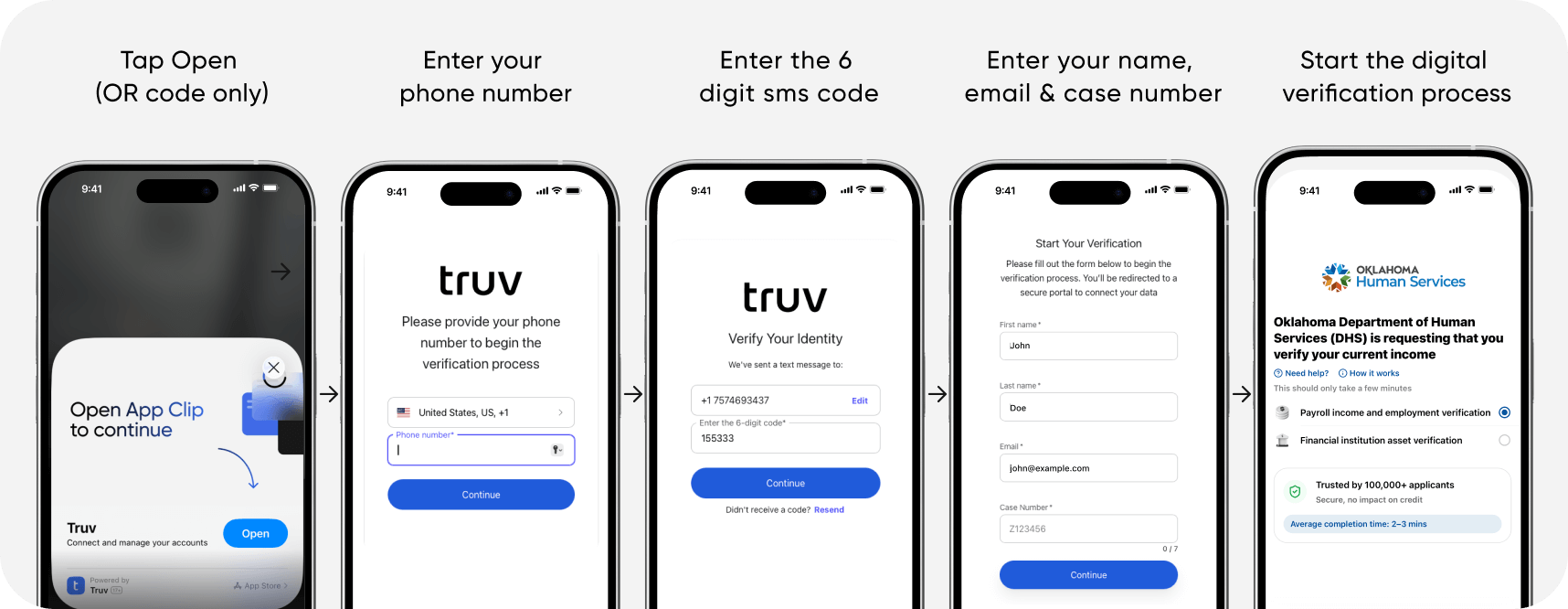
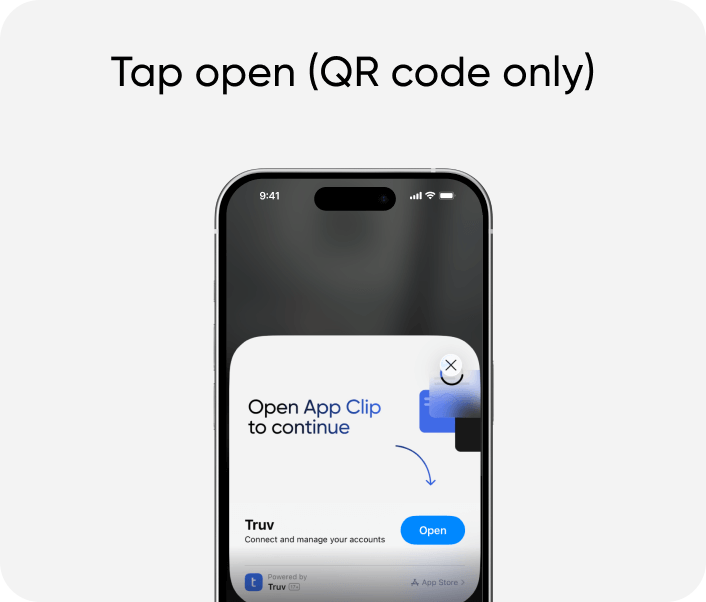
- Scan the QR code and fill in the fields
- Select your income source(s) and bank(s)
- Sign into each income source/bank as prompted
- That's it!
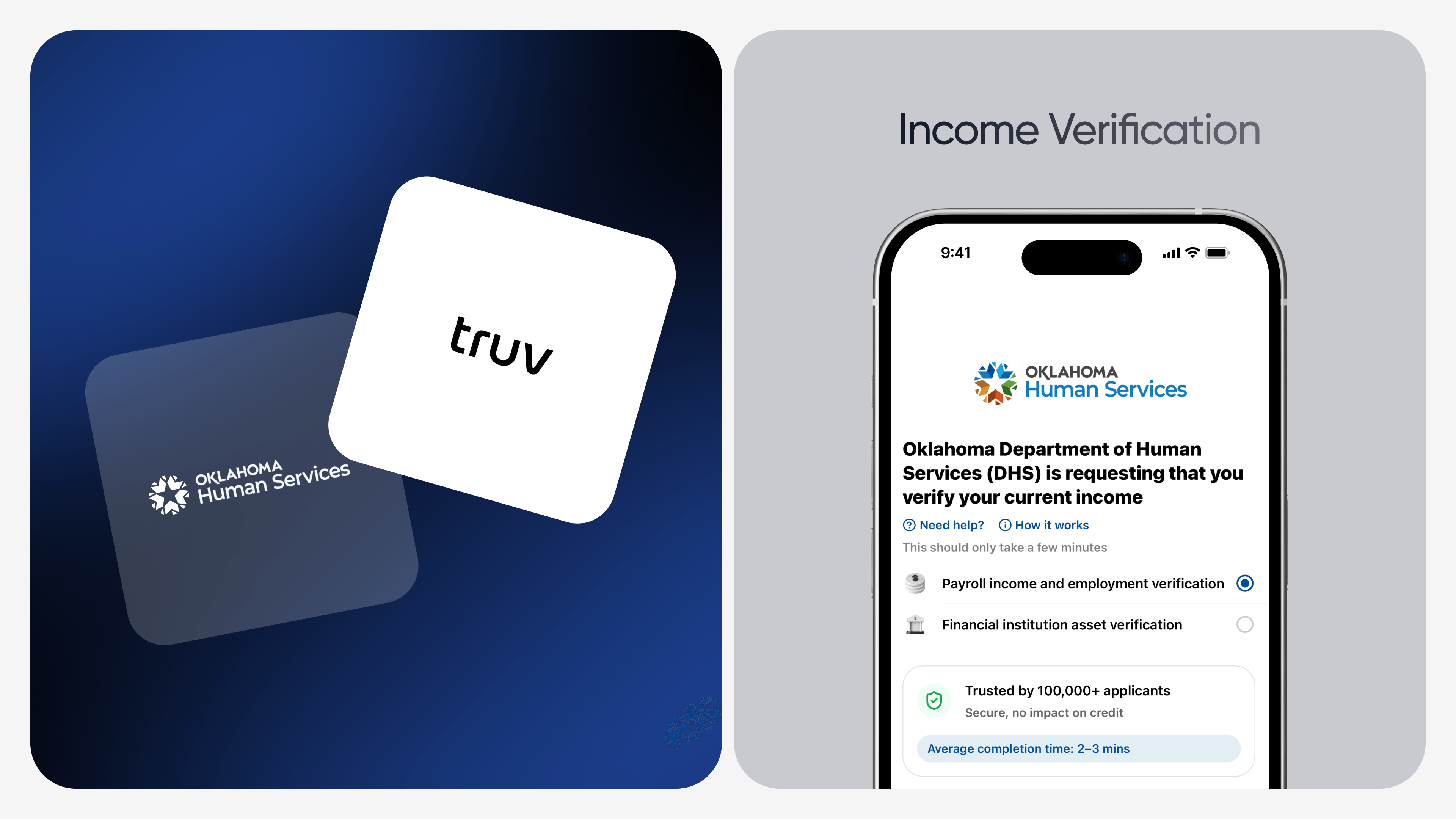
Oklahoma Human Services has partnered with Truv to help you streamline and accelerate your application! Truv is a fully digital, instant, safe, and secure solution that Oklahoma Human Services uses to verify your income by connecting to your employer, payroll provider, gig platform, and/or financial institutions, as a requirement for your eligibility determination process.
The best part? It typically takes less than 60 seconds to complete — in just a few clicks.
Why Auto-Verify Your Income & Employment?
- Eliminate the need for you to locate, gather, and submit pay statements
- Accelerate review times and process benefits faster
- Safeguard your highly personal details compared to emailing, faxing, or mailing financial documents
Verify by Clicking the Truv Link or Scanning the QR Code
1. Start the verification:
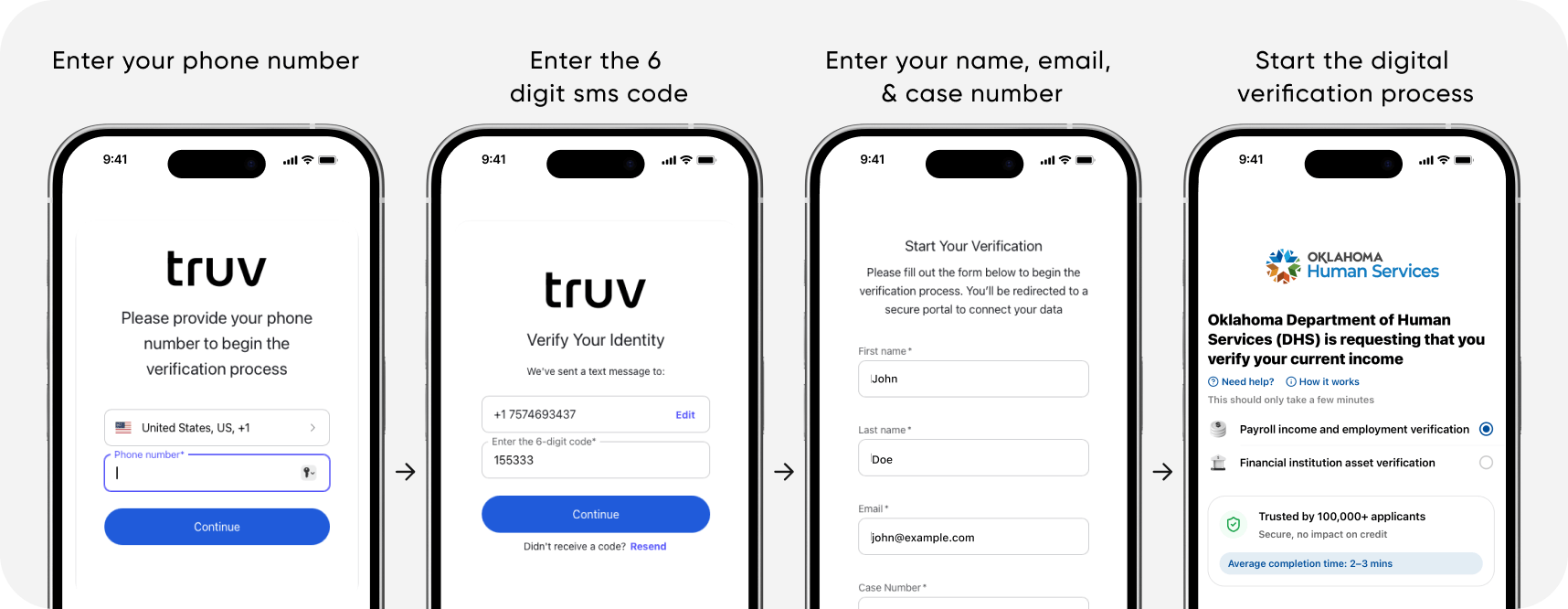
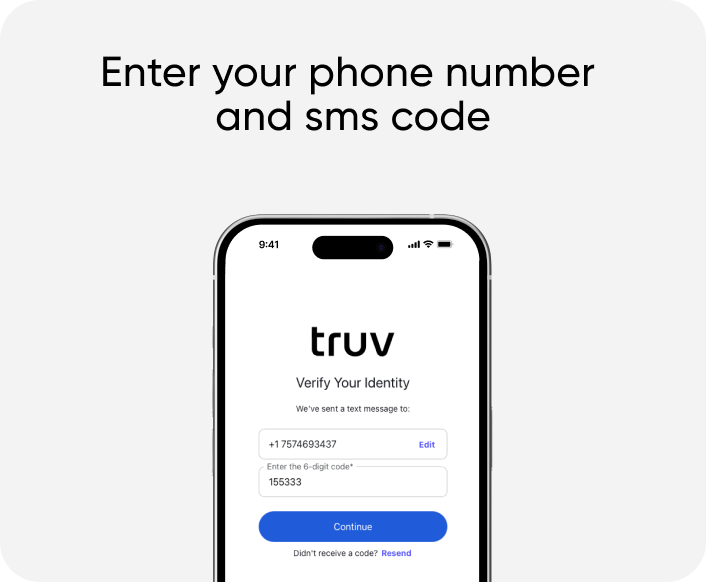
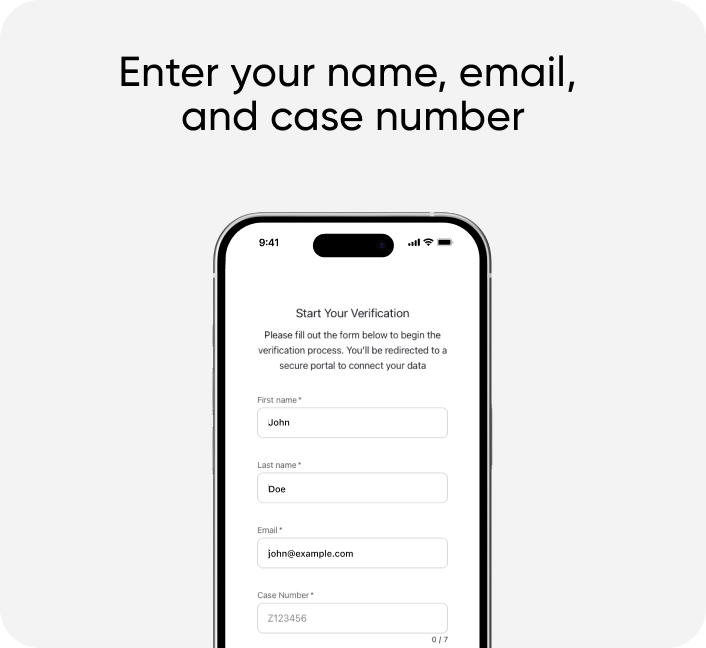
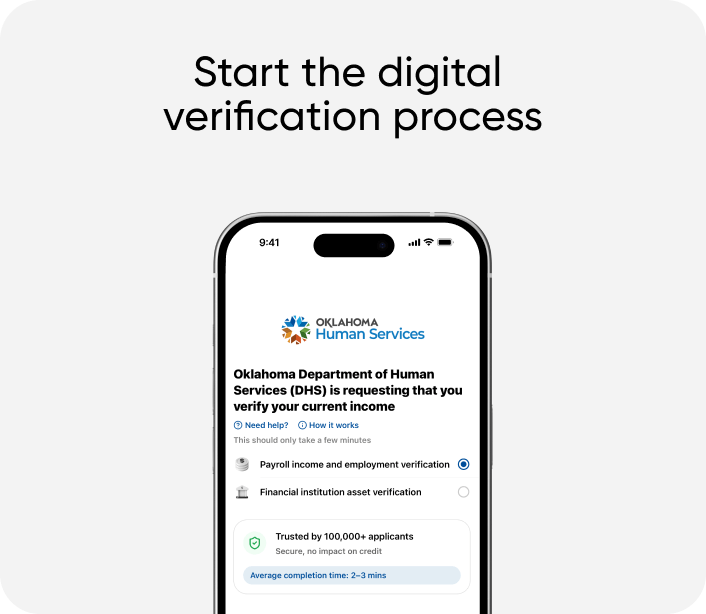
If you wish to report income, scan the QR code or click the Truv link, enter your phone number, one-time password via sms, first/last name, email address, and case number. This opens the Truv widget for you to select your employer, payroll provider, gig platform, and/or financial institution to connect income electronically. Additionally, you have the option to upload income documents as a fallback alternative.
2. Sign into your employer, payroll provider, gig platform, and/or financial institution:
Sign into your employer, payroll provider, gig platform, and/or financial institution: Search for your employer or payroll provider to connect income electronically. Sign in using your employer, payroll provider, gig platform, and/or financial institution using your income source login details. Oklahoma Human Services will not access your login.
3. Finish the verification:
Once logged in, select «Done» to close the Truv widget. If you have more than one job to report, select «Add another income source». Click «Finish & share» once all income is reported.